EasyManua.ls Logo

B-I-C America WTR-SYS - User Manual

B-I-C America WTR-SYS
12 pages
Print Icon
To Next Page IconTo Next Page
Loading...
TM
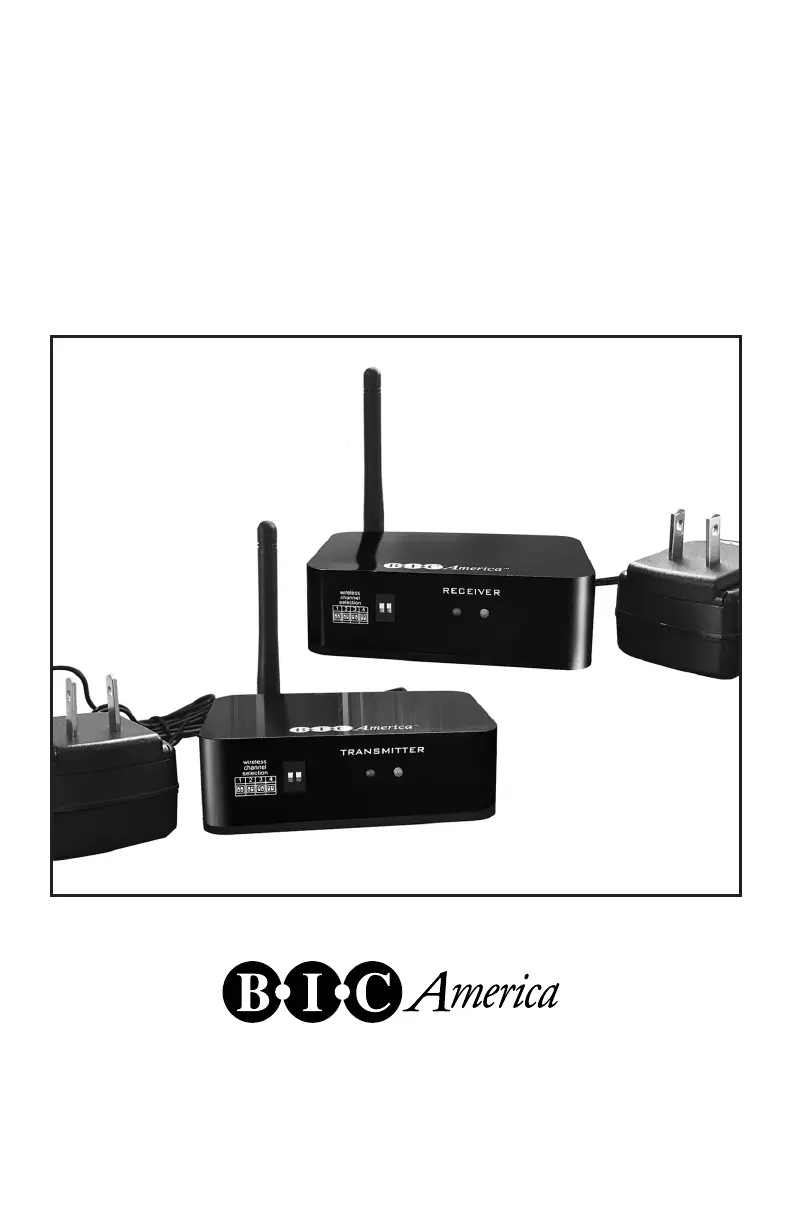
WTR-SYS
Wireless Transmitter/Receiver System
User Manual
925 N. Shepard Street • Anaheim, CA 92806
www.bicamerica.com

Questions and Answers

  • T
    Tanner WilliamsJul 28, 2025
    What to do if W-Transmitter and W-Receiver are connected, but no audio occurs with my B-I-C America WTR-SYS Receiver?
    • B
      Brenda SuarezJul 29, 2025
      If your B-I-C America Receiver is connected to the W-Transmitter but you're not getting any sound, first ensure your source components are working as expected. Also, verify that the audio levels are appropriately configured, as the volume at either the source or the destination might be muted or set too low.
  • N
    Natalie BishopAug 11, 2025
    How to fix a B-I-C America WTR-SYS when W-Transmitter and/or W-Receiver are connected but Status LED does not light up?
    • N
      Nicole HallAug 11, 2025
      If the Status LED on your B-I-C America Receiver or W-Transmitter doesn't light up even when connected, ensure that both the transmitter and receiver are properly connected to a power supply. If the issue continues, try switching to the supplied USB AC adapter.

Summary

FCC Compliance Information

General Safety Instructions

Essential safety precautions for operating the wireless system safely.

Specific Safety Warnings

Electrical Shock and Water Hazard Warnings

Cautions regarding electrical shock risks and avoiding exposure to water.

Product Specifications

Included Package Contents

System Connections and Configuration

Channel Selection for Audio Zones

How to set channels for multiple zones or speakers.

Unit Status LEDs and Connection Ports

Explanation of indicator lights and connection ports on the units.

System Configuration Examples

7.3 Surround Sound Configuration Example

Illustrates a 7.3 channel configuration with multiple subwoofers.

Audio Receiver Hookup Guide

Connecting Transmitter to Receiver

Wiring diagram for connecting the transmitter to an audio receiver.

Wireless Subwoofer Connection Guide

Connecting the First Subwoofer

Steps to connect the first wireless subwoofer.

Expanding with Additional Subwoofers

Guide to expanding the system with additional wireless subwoofers.

Multi-Device Connectivity Guide

Connecting to Audio Receiver Pre-Out

Connecting the transmitter to an audio receiver's pre-out jacks.

Connecting to 3.5 mm Stereo Output

Connecting the transmitter to devices with a 3.5mm stereo output.

Stereo Speaker Connection Guide

Connecting Powered Speakers

Connecting the receiver to powered speakers.

Connecting Non-Powered Speakers

Connecting the receiver to non-powered speakers via an amplifier.

Expanding with Additional Speakers

Expanding the system with additional wireless speakers.

Troubleshooting and Warranty Information

Troubleshooting Common System Issues

Solutions for common problems encountered with the system.

Warranty Service and Coverage Details

Details on limited warranty, service, and exclusions.

B-I-C America WTR-SYS Specifications

General IconGeneral
BrandB-I-C America
ModelWTR-SYS
CategoryReceiver
LanguageEnglish