EasyManua.ls Logo

b-mola BM50 - User Manual

b-mola BM50
9 pages
Print Icon
To Next Page IconTo Next Page
Loading...
Thank you for choosing b-MOLA product;
Please read this manual prior to operation and maintenance work;
Please read the 'Safety Instructions' before operation. (Page 2-3);
Injury or property loss may occur if not operated according to this manual;
Please retain this manual for future reference. (Retain manual in reserve).
Please keep the warrant card in a safe location.
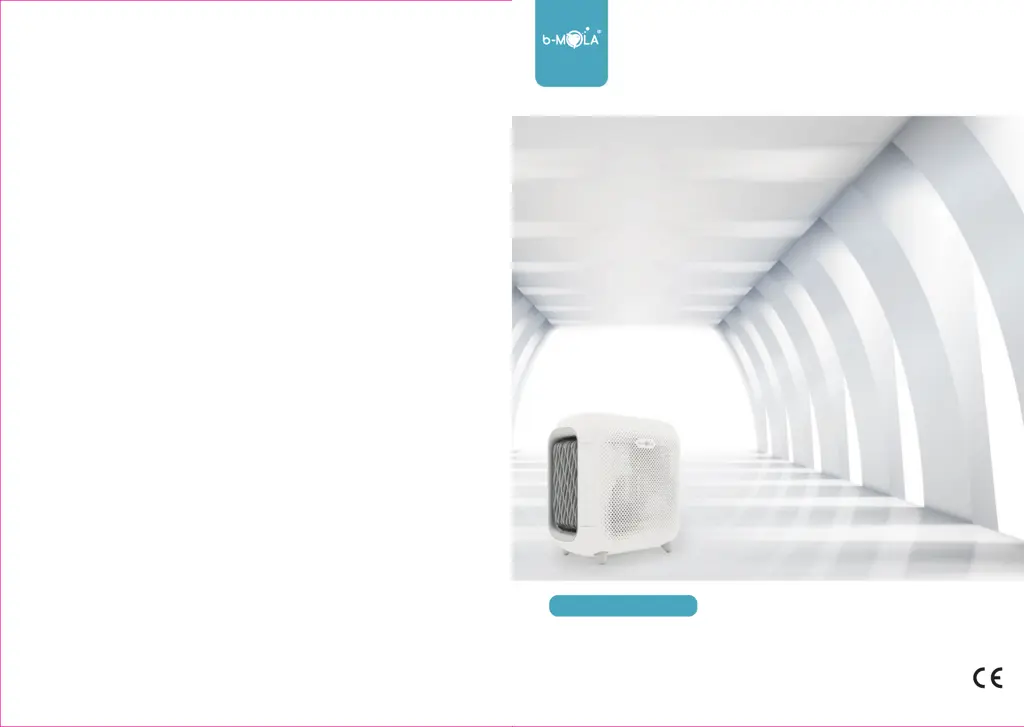
NCCO Air
Treatment Unit
Operation Manual
Model No.: BM50
WARRANTY CARD ATTACHED

Other manuals for b-mola BM50

Questions and Answers

Summary

Basic Information

NCCO Technology

Explains the patented NCCO air purification technology and its benefits.

Intelligent Power-Off Protection System

Details the unit's automatic power-off feature to prevent overload and risk.

Placing Area Guideline

Provides recommendations for optimal placement and airflow for effective operation.

Main Parts & Components

Illustration Diagram

Visual representation of the product's internal and external components.

Control Panel

Overview of the buttons and display screen on the unit's control panel.

Getting Started

First-time Operation

Step-by-step guide for initial setup and operation of the air purifier.

Installation Procedures

Detailed steps for correctly installing filters and the front cover.

Operating Instructions

Power Button

Instructions for turning the unit on/off and managing Wi-Fi mode.

Default Air Speed& Memory Function

Explanation of default settings and how the unit remembers previous operations.

Fan Speed Mode

How to adjust the fan speed using the control panel buttons.

Turbo Mode

Instructions for activating Turbo Mode for rapid air purification.

ECO Mode

Instructions for activating and using the energy-saving ECO mode.

Lock Mode

How to enable and disable the child lock feature to prevent accidental changes.

Filter Installation Indicator

Understanding the 'EE' indicator for proper filter installation.

Air Quality Indication

Explains how the unit displays air pollutant concentrations and air quality.

Air Quality Monitoring Function

How the unit automatically monitors and adjusts operation based on air quality.

Auto Mode

How to use the automatic mode which adjusts operation based on air quality.

Care & Maintenance

Cleaning Unit Body

Instructions for cleaning the exterior of the air purifier unit.

Cleaning Air Inlet And Outlet

How to clean the air intake and exhaust vents using a brush or vacuum.

Cleaning Pre-filter

Method for cleaning the removable pre-filter with water.

Filter Replacement & Maintenance

Recommended Filter Cleaning and Replacement Cycles and Methods

Guide on filter maintenance schedules and cleaning/replacement procedures.

HEPA FILTER SURFACE COLOR CHANGING INDICATOR

Visual guide to determine when the HEPA filter needs replacement.

FAQS

Q1 EE is displaying on Display Screen

Troubleshooting steps for the 'EE' error code indicating filter issues.

Q2 Can HEPA Filter be washed with water?

Clarification on whether the HEPA filter can be cleaned with water.

Q3 The air quality has not improved

Advice on improving air quality performance in polluted environments.

Q4 The unit emits an unusual smell

Immediate actions to take if the unit emits unusual smells like smoke or burning.

Q5 Why does the unit would release mineral smell

Explanation of the normal mineral smell during initial operation due to NCCO technology.

Q6 Why is there flashing of HP light

Indicator for HEPA filter replacement reminder and procedure.

Trouble Shooting

The unit does not operate

Solutions for when the unit fails to power on or function.

EE is displaying on Display Screen

Steps to resolve the 'EE' error code related to filter installation.

No air is blowing through air outlet

Troubleshooting steps for issues with airflow from the unit.

The air quality is not yet improved

Solutions for poor air quality improvement, including airflow mode recommendations.

The airflow from air outlet becomes slow

Reasons and solutions for reduced airflow from the unit's outlet.

The unit makes an abnormal noise

Guidance for diagnosing and resolving abnormal noises from the unit.

The unit emits an unusual smell or smog

Recommended actions for unusual smells, including immediate power disconnection.

Product Specification

Power Supply, Rated Voltage, Rated Frequency

Technical specifications for power requirements and operational frequency.

Power Consumption, Airflow Volume, Noise Level

Details on the unit's power usage, airflow capacity, and noise output.

Product Dimension, Net Weight

Physical dimensions and weight of the air purifier unit.

Treatment System

Overview of the air treatment technologies and filter functions.

b-mola BM50 Specifications

General IconGeneral
Power Consumption45W
Child LockYes
TechnologyNCCO (Nano Confined Catalytic Oxidation)
Filter Life6-12 months (depending on usage)
Control MethodTouch panel
Air Quality IndicatorYes
TimerYes
Filtration TechnologyPre-filter, HEPA filter, NCCO reactor

Related product manuals