10
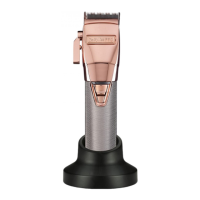
CLIPPER
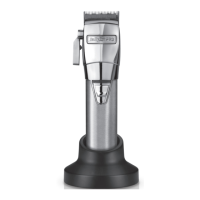
Taper Control
The taper control lever enables
ne cut adjustment for precision
clipping.
• To increase the cutting length,
push the lever down.
• To reduce the cutting length, push
the lever up.
Comb Guides:
This appliance is supplied with 8
comb guides:
1.5mm (1/16”) #.5
3mm (1/8’’) #1
4.8mm (3/16”) #1.5
6mm (1/4’’) #2
10mm (3/8’’) #3
13mm (1/2’’) #4
16mm (5/8’’) #5
19mm (3/4’’) #6
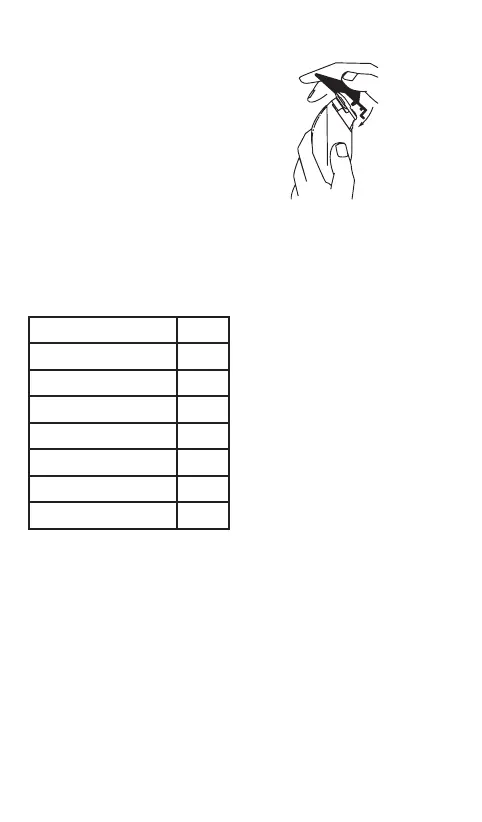
• To attach a comb guide, ensure
the appliance is switched o.
Position the comb guide over
the front of the clipper blade and
slide over the head. Push and click
the rear of the comb guide into
position.
• To remove the comb guide,
ensure the appliance is switched
o. Push the tab on the rear of the
comb guide away from the head
and lift o.
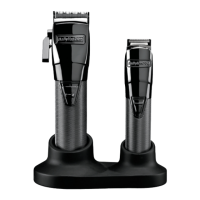
TRIMMER
Comb guides
This trimmer is supplied with 2
comb guides.
No.1 - 6mm
No.2 - 10mm
To attach a comb, hold it by the
sides and clip it over the teeth of
the blade.
To remove the comb, simply push
o.
Zero gap adjustment tool
IMPORTANT! Only ever attempt
to zero gap the blades using the
adjustment tool, following the ins-
tructions very precisely.
The adjustment tool is required to
adjust the blades to zero gap, to
achieve a closer, more precise cut.


 To Next Page