EasyManua.ls Logo

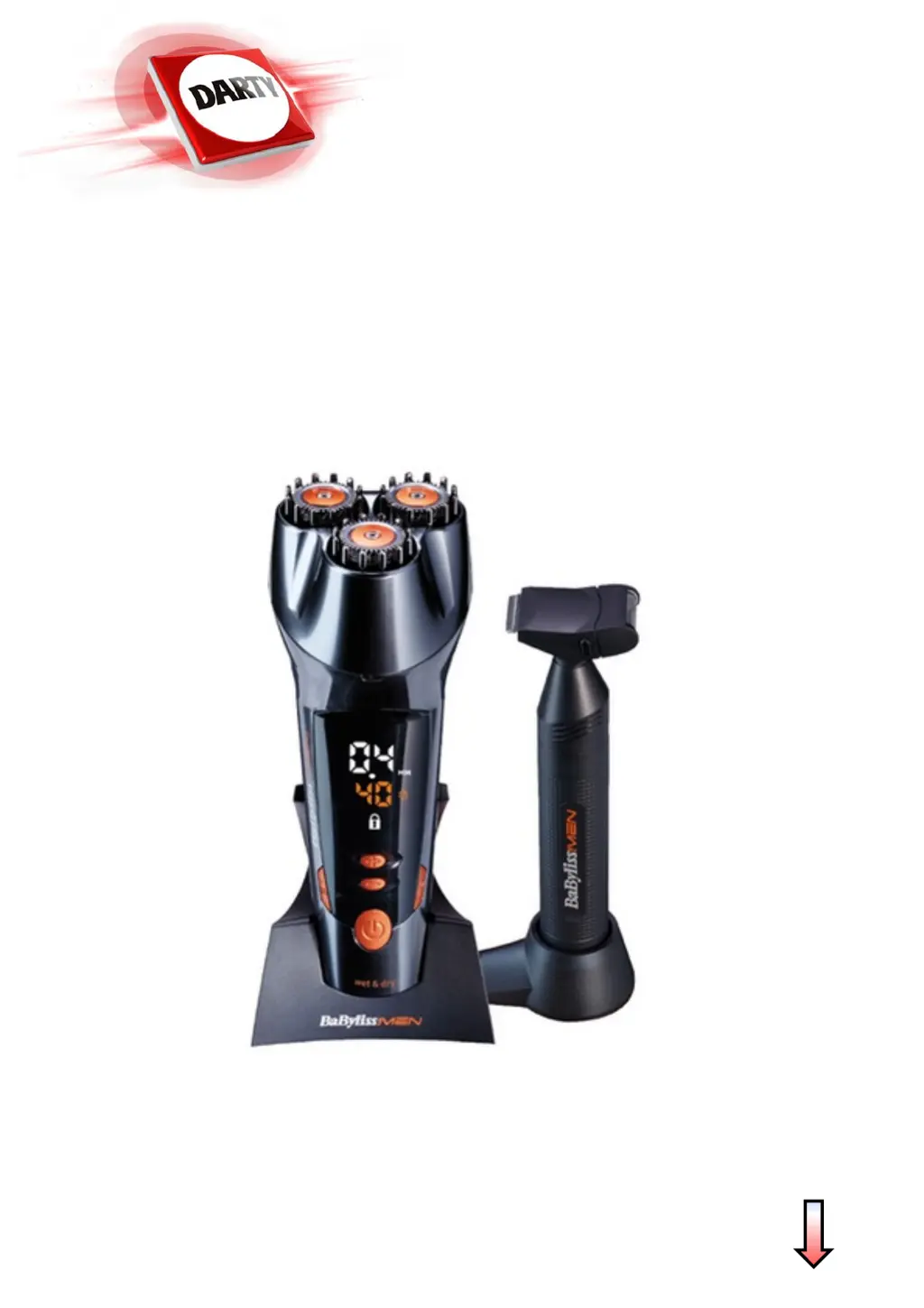
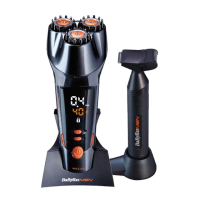
BaByliss SH500E - User Manual

BaByliss SH500E
12 pages
Go to English
Print Icon
To Next Page IconTo Next Page
Loading...
NOTICE
MARQUE: BABYLISS
REFERENCE: SH500E DESIGNER
CODIC: 4182049

Questions and Answers

  • E
    Elizabeth GarciaAug 3, 2025
    What to do if the BaByliss SH500E displays the flashing ‘Cleaning’ symbol?
    • F
      Francisco MartinAug 3, 2025
      If the LED screen of your BaByliss Electric Shaver displays the flashing ‘Cleaning’ symbol when you press the button, it means that the device has not been cleaned after 15 minutes of cumulative use. To resolve this, press the ‘Cleaning’ button and clean the device as described in the Cleaning chapter.
  • P
    pbauerAug 8, 2025
    Why is the head raised on my BaByliss Electric Shaver during use?
    • R
      Renee Montgomery PhDAug 8, 2025
      If the head of your BaByliss Electric Shaver is raised during use, it's likely that the ‘Cleaning’ button or ‘Parking’ button was accidentally pressed. Press the ‘Cleaning’ or ‘Parking’ button again before the device head unclips so that the device returns to the desired position.
  • T
    Tracy ByrdAug 13, 2025
    What does ER mean on my BaByliss SH500E Electric Shaver?
    • J
      Jessica WallaceAug 13, 2025
      If the LED screen of your BaByliss Electric Shaver displays ER, it indicates that the device has been charging abnormally. Remove the device from its stand for an hour. If the problem continues, contact BaByliss After-Sales Service.
  • J
    Justin ShepardAug 18, 2025
    Why does my BaByliss Electric Shaver display HI?
    • F
      frederick69Aug 18, 2025
      If the LED screen of your BaByliss Electric Shaver displays HI, it means that the adaptor you are using is not suitable for charging the device. Make sure you are using the adaptor supplied with the device for charging it.
  • S
    sara85Aug 23, 2025
    Why does my BaByliss SH500E display LO?
    • A
      Andrew GarciaAug 23, 2025
      If the LED screen of your BaByliss Electric Shaver displays LO, it indicates that the adaptor you are using is not suitable for charging the device. Ensure that you are using the adaptor supplied with the device for charging.
  • A
    alexa78Aug 28, 2025
    How to unclip the head of my BaByliss SH500E if it's stuck?
    • Z
      zachary76Aug 29, 2025
      If the device head of your BaByliss Electric Shaver does not unclip after pressing the ‘Cleaning’ button or the ‘Parking’ button, it is likely that the device’s automatic head raising mechanism is clogged with hair and impurities. To resolve this: 1. Raise the head manually by pressing with 2 fingers simultaneously on each of the notches located on the front and back of the device. 2. Then press the ‘Cleaning’ button and pass the device head under running water as shown in the Cleaning chapter or the ‘Parking’ button to store your device effectively.

Summary

Device Specifications

Device Features and Controls

Summarizes key components like buttons, screens, and functions.

Battery Information

Charging the Device

Using the Beard Designer

Basic Operation Steps

Instructions for switching on, selecting height, and operating the trimmer.

Usage Tips and Techniques

Advice on multi-directional use and multi-stage trimming for best results.

Memory Function

Lock Function

Activating and Deactivating Lock

How to prevent accidental operation by locking and unlocking device buttons.

Cleaning the Device

Effective Cleaning Procedure

Steps for cleaning the device head, including using the cleaning button and water.

Device Storage

Optimal Storage Method

Instructions for using the 'Parking' button and storing the device correctly.

Replacing Blades

BaByliss SH500E Specifications

General IconGeneral
Wet & DryYes
Maximum hair length12 mm
Minimum hair length0.4 mm
Number of length steps50
Product colorGrey, Orange
Battery typeBuilt-in battery
Charging time- h
Operating time40 min
Fast charging time5 min

Related product manuals