11
BF-UM-C-DP C171-EN November 2019
USER MANUAL FOR DISPLAY
Once you have viewed your desired informa-
tion, press (<0.3S) the button twice to
save and return to the main screen, or you
can press (<0.3S) the button once to
enter next item "Display hardware info".
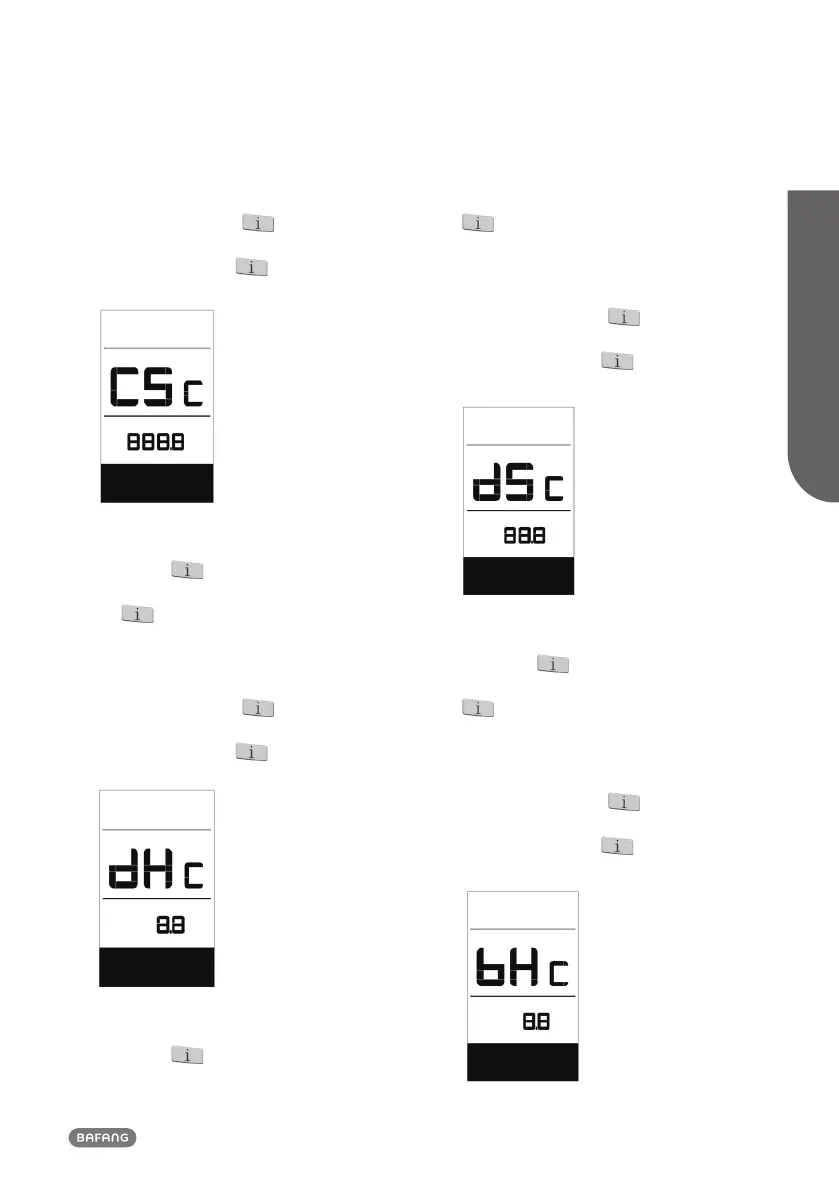
7.7.2.5 Display hardware info
When the system is on, quickly press
(<0.3S) the
button twice to access
the “MENU” interface, repetitively press
the button until the “dHc (Display
Hardware check)” appears on the display (as
shown below).
Once you have viewed your desired informa-
tion, press (<0.3S) the
button twice to
save and return to the main screen, or you
can press (<0.3S) the button once to
enter next item "Display software info".
7.7.2.6 Display software info
When the system is on, quickly press
(<0.3S) the
button twice to access
the “MENU” interface, repetitively press the
button until the “dSc (Display Software
check)” appears on the display (as shown
below).
Once you have viewed your desired informa-
tion, press (<0.3S) the
button twice to
save and return to the main screen, or you
can press (<0.3S) the button once to
enter next item "BMS hardware info".
7.7.2.7 BMS hardware info
When the system is on, quickly press
(<0.3S) the
button twice to access
the “MENU” interface, repetitively press the
button until the “bHc (BMS Hardware
check)” appears on the display (as shown
below).
Once you have viewed your desired informa-
tion, press (<0.3S) the
button twice to
save and return to the main screen, or you
can press (<0.3S) the button once to
enter next item "BMS software info".


 To Next Page