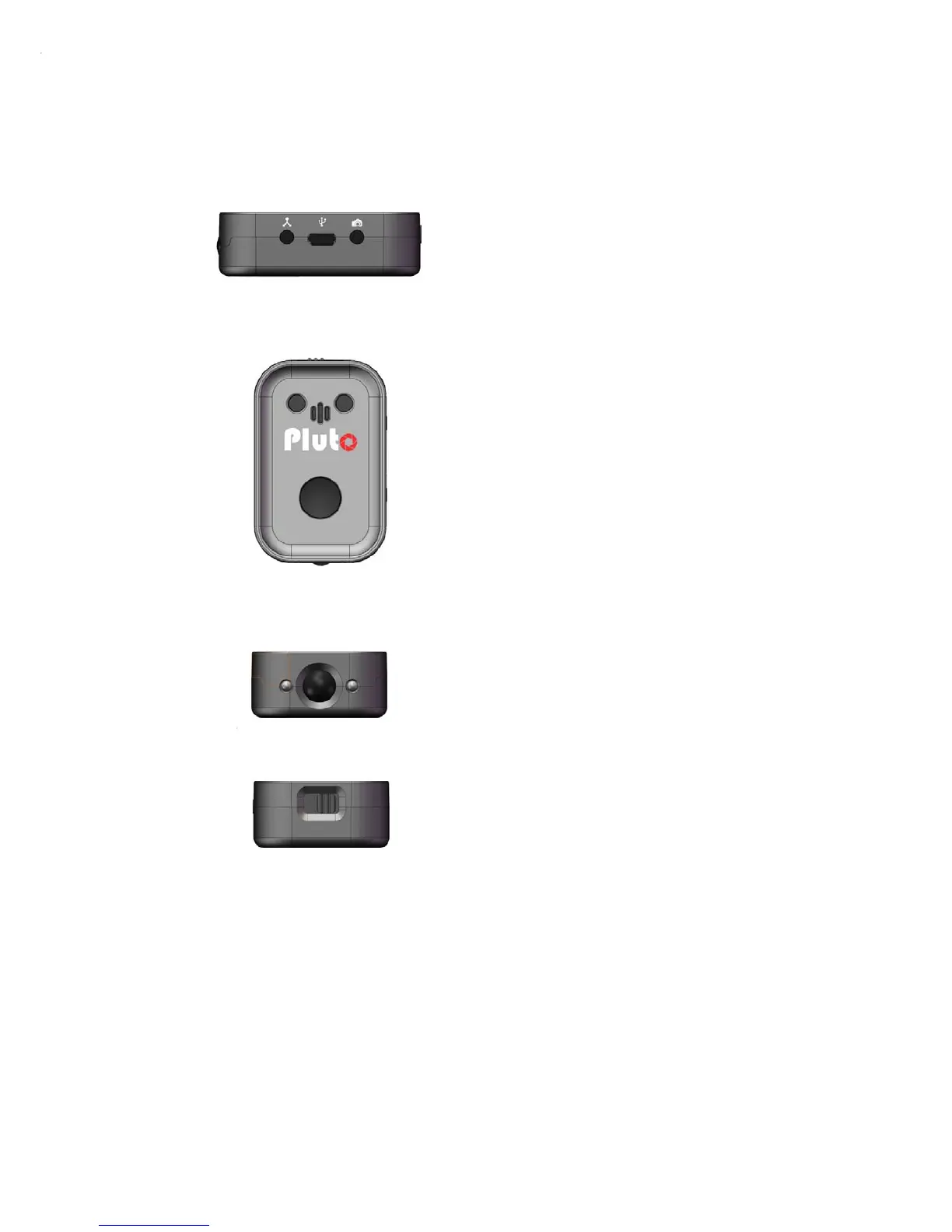
1. Aux sensor port
2. USB charging connector
3. Camera/Flash port
1. Program status led
2. Microphone
3. Battery charging led
4.
Shutter-release/Bluetooth button
1. Laser/Light sensor
2.
PIR sensor
3.
Infrared Emitter
1. Power switch
2.5.1. SHUTTER RELEASE BUTTON
The shutter release button let you trigger your camera manually.
It is also used as a switch to turn on/off the Bluetooth module. To do this, just press
the button and hold for 5 seconds and the Status Led will show notification.
Three short blinks means Bluetooth is turned ON, while one long blink means
Bluetooth is turned OFF.
1



 To Next Page