20
RESETTING THE VK-32SE:
Under certain conditions it might become desirable to reset the internal microprocessor that
controls all the functions of the VK-32SE.
Doing so will erase ALL user programmed setpoints, and will return the unit to its factory
default state.
In order to RESET the VK-32SE, do the following:
1. Turn the unit OFF.
2. Disconnect the power cord from the back of the unit.
3. Wait about two minutes.
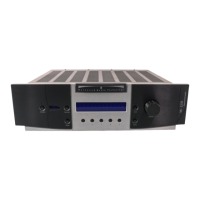
4. Press AND HOLD front panel buttons Phase and Input #1.
5. WHILE HOLDING the buttons, insert the power cord.
6. Power up the unit normally.



 To Next Page