2 TUN
3 CD1
4 AUX1
5 AUX2
Any combination of up to four Latin, Cyrillic, Greek alphabet characters or digits can be used to
name the source. The examples may include:
CD-2, DVD1, JOHN, VKD5, MARY, BOB1, etc.
To program the input name, do the following:
Select the desired input
Press the Function button eight times. The first character of the input name will start blinking
Use the volume control knob or the remote control Volume Up/Down buttons to select the
desired character. The characters are organized in the following order: the digits, the Latin
alphabet, the Cyrillic (Russian) alphabet, the Greek alphabet.
Advance to the next character by pressing the Function button once.
Exit the programming mode by pressing and holding the Function button.
REMOTE CONTROL FUNCTIONS:
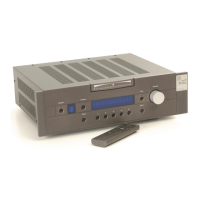
The optional VK-R3 remote control that comes with your VK-50 has the following functions:
Volume Up and Volume Down control



 To Next Page