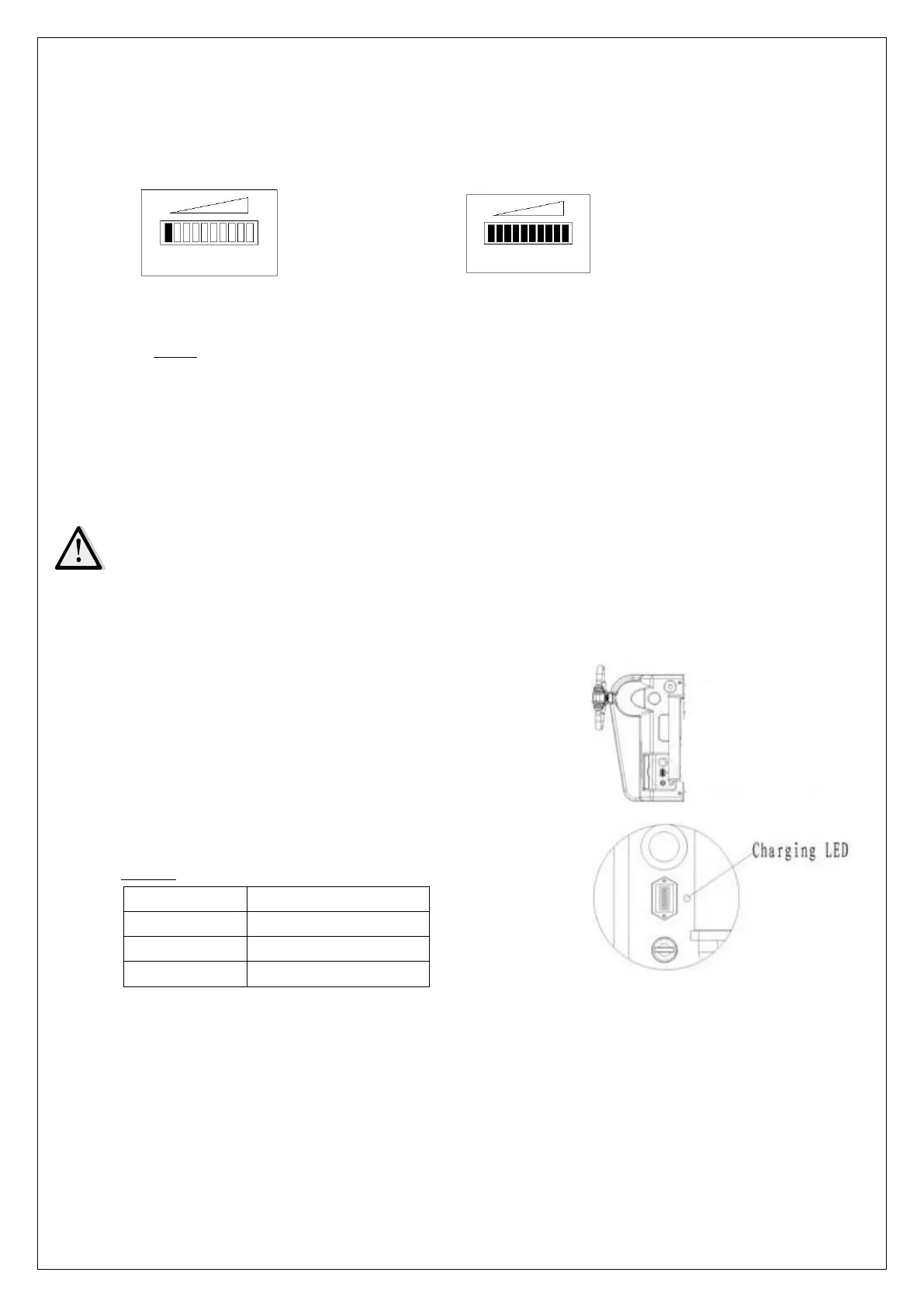
- Battery Indicator
The discharge status is indicated by ten red LED segments.
Battery discharged Battery full charged
Fig.14: Battery discharge indicator
When the PLD is fully charged, all LED indicators will be lit. As the battery decreases
in charge, successive LEDs light up, only one on at a time.
The 2
nd
from left LED flashes, indicating “energy reserve” (70% depth of discharge).
The 2 most left LEDs alternately flash, indicating “empty” (80% depth of discharge).
- Charging
•
The attached automatic charger is only available for the optional voltage of 110V.
•
The exactl charge status can only be checked from the discharge indicator. To
control the status, the charging must be interrupted and the PLD must be started.
Park the PLD at a dedicated secured area with a dedicated power supply.
Lower the platform and remove the load.
Switch the PLD off and connect the main power
connector (7) to the power supply. The charger starts
charging the battery.
Charging is finished when the charging LED
(fig.14,15) produces permanent green light. The
charger then goes into a floating mode to prevent the
battery against damages. Following table shows the
function of the LED-status:
Table 3: LED-Status



 To Next Page