5. Open Windows Ink apps
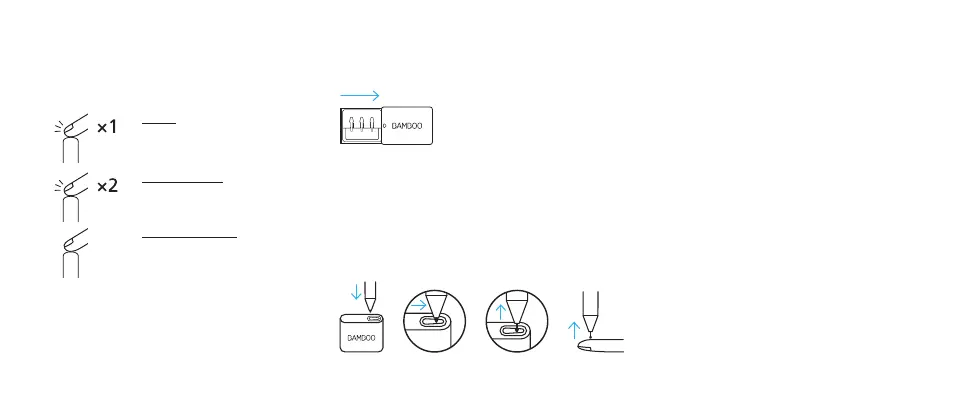
Click Bluetooth button
to open Windows Ink
Workspace.
Double click to open
Screen Sketch.
Click and hold to open
Sticky Notes.
Depends on devices, setting may differ.
You can also change what the Bluetooth
button does in Settings > Devices > Pen &
Windows Ink.
From left to right:
firm, soft, blue
On certain devices the blue nib from the
nib kit can enhance your pen experience.
Please check for device compatibility.
Insert the pen nib into the holder, slide
to the side and gently pull up to remove
the nib. Insert the new nib and push with
finger tip.
• To learn more about your stylus, go to:
www.wacom.com/inkplusgo
• Mobile solutions for your stylus: Bamboo
Paper app.
Bamboo nib kit Learn more about your stylus on
wacom.com


 To Next Page