1. Windows device update
Confirm your stylus driver is up to
date.
Go to: www.wacom.com/inkgo
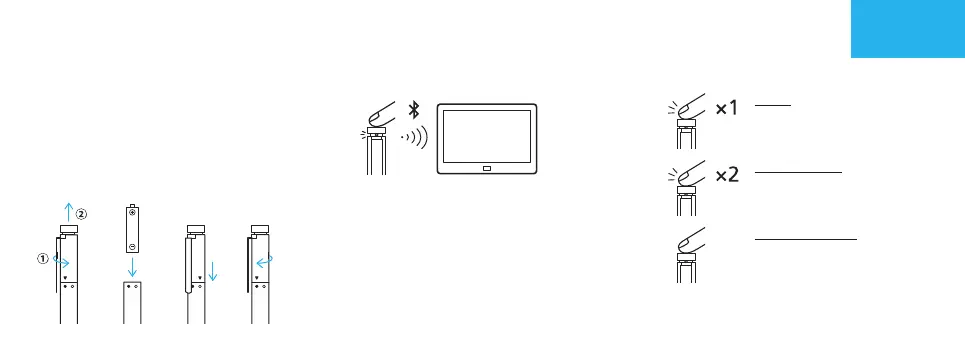
2. Install the battery
a. b. c. d.
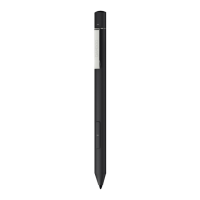
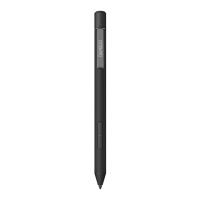
Get started with your Bamboo Ink
3.
Pair your Bamboo Ink with your device
6 seconds
a. From the Windows Start menu, select
Settings > Devices > Bluetooth®.
Make sure Bluetooth is “On”.
b. Hold the top button for 6 seconds.
The LED starts blinking.
c. From the list of devices, select
“Bamboo Ink” and click on “Pair”.
4. Open Windows Ink apps
Click top button to
open Windows Ink
Workspace.
Double click to open
Screen Sketch.
Click and hold to
open Sticky Notes.
EN
GarnetQSGEN.indd2GarnetQSGEN.indd2 2018/05/2811:25:032018/05/2811:25:03


 To Next Page