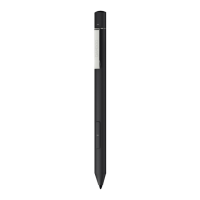
5. Changing the compatibility setting
Press 2 seconds
If the stylus does not work on your
device, press and hold both ends of
button at the same time for 2 seconds
to change the setting.
Bamboo nib kit
Comes with 3 different types.
From right to left:
soft (black), medium (gray), firm (black)
Changing the nibs
Gently press up making sure the
replacement nib is resting properly.
Slide to open
Learn more about your stylus on
wacom.com
• Confirm your stylus driver is up to
date. Go to:
www.wacom.com/inkgo
• For support and to register your
product, go to wacom.com and click
on “Support”
• To order replacement nibs, Bamboo
nib kit ACK42416, go to wacom.com
and click on “Store”
• Mobile solutions for your stylus:
Bamboo Paper app and Inkspace
cloud service. For more tools explore
the Wacom Marketplace.
GarnetQSGEN.indd3GarnetQSGEN.indd3 2018/05/2811:25:032018/05/2811:25:03


 To Next Page