Page 12 of 14
STAMPA 4 LINEE
L’utilizzo della stampante a 4 linee permette la
stampa grafica avanzata sui documenti
Per effettuare il cambio della cartuccia procedere
come segue:
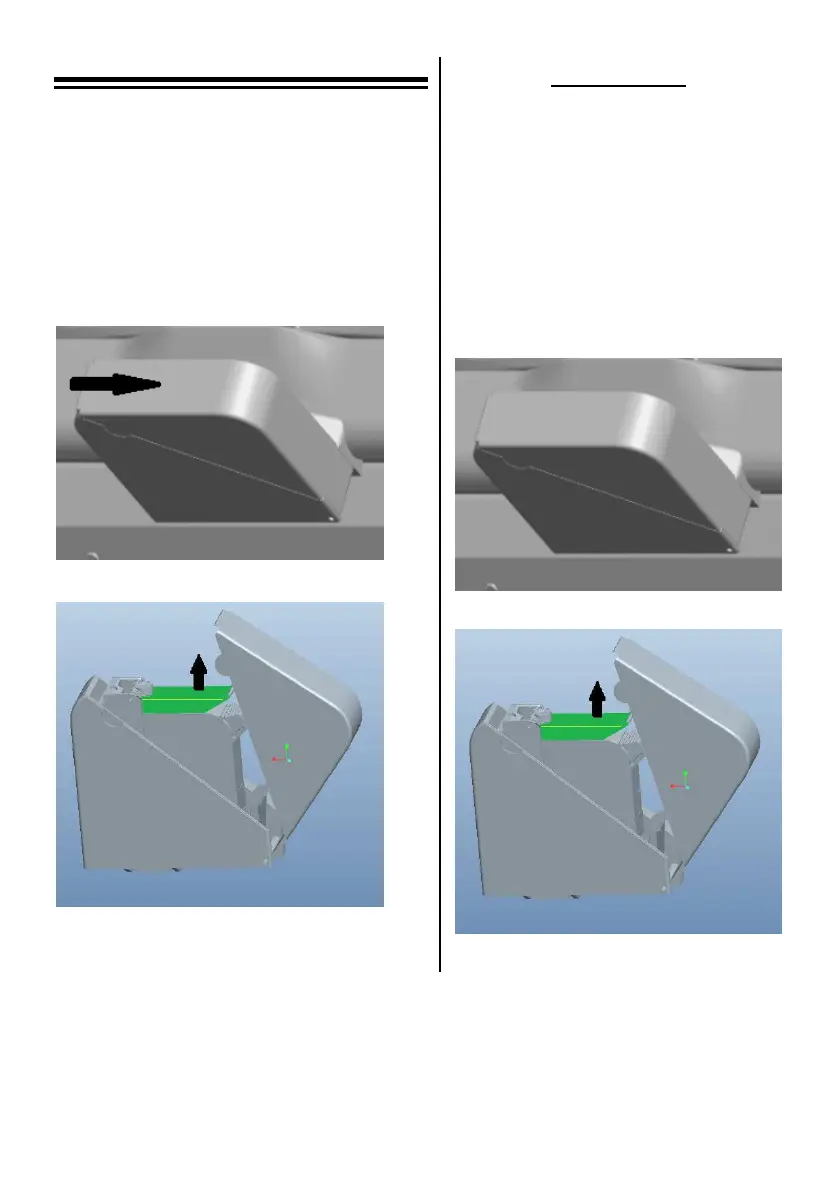
1. Aprire il coperchio della stampante come
indicato in Fig. 11;
2. Estrarre la cartuccia esausta sollevando
la leva verde e, posizionare la cartuccia
nuova all’interno del vano come indicato
in Fig. 12;
3. Chiudere il blocco cartuccia verde e il
coperchio della stampante.
Fig. 11
Fig. 12
4 LINES PRINTER
4 line printer allow you to print high resolution
logo and information on documents.
To replace the empty cartridge proceed as
follow:
1. Opens the top cover of the module
as show in figure Fig. 11
2. Remove the empty cartridge lifting
the top green locker and replace it
with a new cartridge as shown in
Fig. 12;
3. Close the green locker and the top
cover of the module, now the
printer is ready to be used.
Fig. 11
Fig. 12


 To Next Page