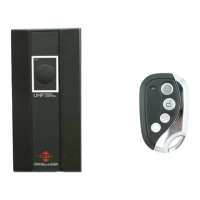
3. Press and hold the button that operates your door you wish to copy on your
original remote – this will send out the signal for your duplicator remote to learn.
When you see the LED light on your duplicator remote start flashing constantly –
then coding has been successful.
4. Release all the buttons, and then test your new remote to make sure that it is
working.
TIPS:
A: It is necessary to erase the code on your new remote before you start the
copying phase new remote before the copy procedure
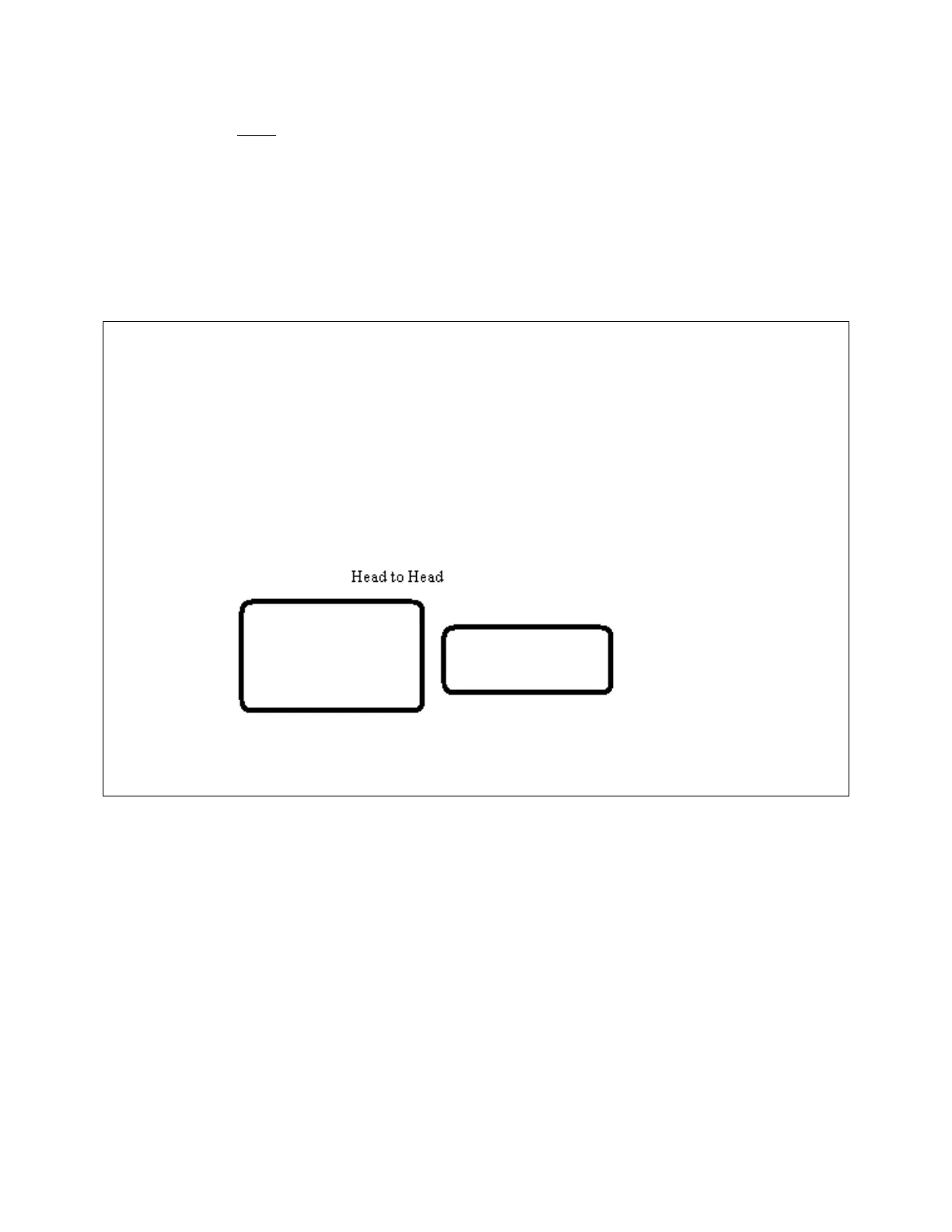
B. Try other positions such as head to head or side by side if coding fails during
“step 2”. This sometimes happens, as the antenna on your existing remote that
transmits the remote signal does not reach far enough for your new remote to pick
it up
C. If everything fails, change the battery in both your existing and new remote, and
then repeat from step 1.
How to Restore an Accidently Erased Remote Control
Press and hold the bottom two buttons on your new remote for 5 seconds.


 To Previous Page
 Loading...