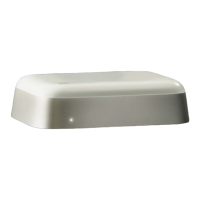
Beoconnect Core
4
REMEMBER WHEN SETTING UP
Before connecting any cables or devices to Beoconnect Core, make sure that everything is
switched o and disconnected from the mains.
Use the Bang & Olufsen App to connect your Beoconnect Core to the internet. Once
Beoconnect Core is connected, it will search for available soware updates.
Automatic soware updates can be congured in the Bang & Olufsen App.
Note: The only cable included is a localised power cable.
SOURCES
With the Beoconnect Core you can stream your favourite music by using the following
sources:
Bang & Olufsen Radio
Use the Bang & Olufsen App to select
stations and set favourites.
Beolink, AirPlay and Chromecast
Streaming from device and multiroom
capabilities.
Spotify, Tidal and Deezer Connect
Streaming via cloud and options to set
favourites.
Bluetooth 5.3
For streaming audio and connecting a
Beoremote One BT or Beoremote Halo.
Wi-Fi
IEEE802.11 b/a/g/n/ac/ax
Line/Optical-in
3.5 mm combo-jack for analogue or digital
connection to music players.
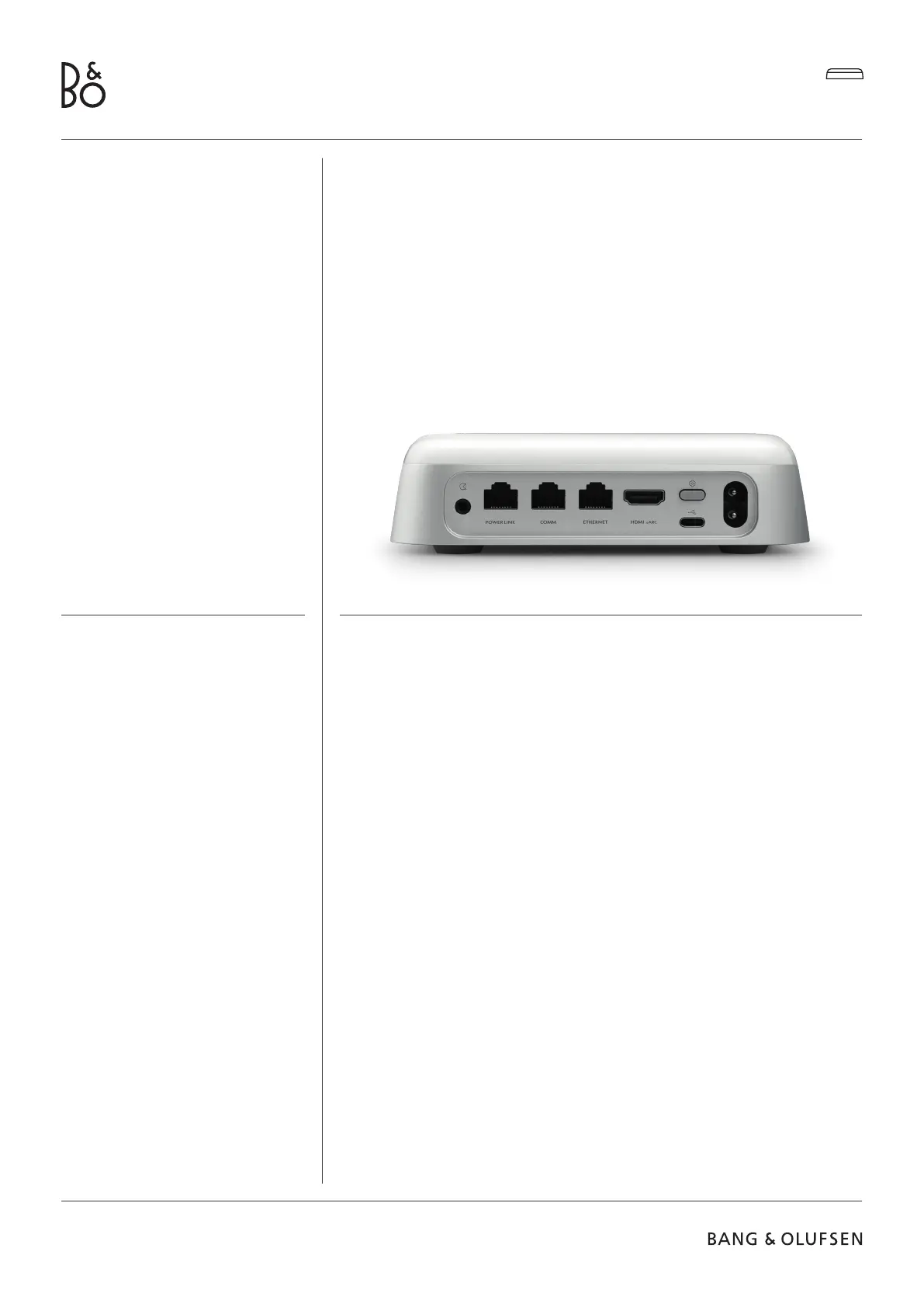
Power Link
For connection to most Beolab speakers.
COMM
For connection to a Beosound Shape.
Ethernet
Cabled connection to you home network.
HDMI eARC
3rd party TVs with ARC/eARC
USB-C
For digital audio connection to Beolab
50/90 or to connect audio from a
computer.


 To Next Page
 Loading...