For a detailed description, refer to the ”Controller
Configuration” chapter of the User’s Guide.
P/N 26-1701004-00, Rev 00
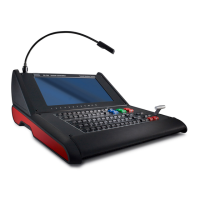
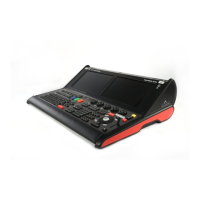
Event Master Series Controller Installation: Frontpanel orientation
Touch Screen Calibration — The EC-210 has 2 internal capacitive
touch screens. The touch screens calibrate automatically and do not
require calibration to work properly.
Light adjustment
1 x USB A
Script Light
Script Light
Right Side / Programming
Touch Screen
Touch Screen
Left Side / Playback
Work light
The lights and LED´s of the EC-210 are
configurable for brightness. In the Settings Menu
page of the interface under User Pref´s.
Barco Technical Support:
USA:
EMEA:
China:
APAC:
Support:
+1 (866) 374-7878
+32 (56) 36 8019
40088 22726
+603-78803362
www.barco.com/en/support
Power
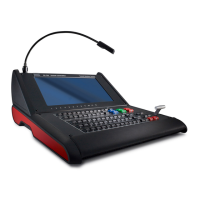
Event Master Series EC-210
Quick Start Guide - Setup

 To Next Page
 Loading...