EasyManua.ls Logo

Bardac drives P2 Series - User Manual

Bardac drives P2 Series
76 pages
Print Icon
To Next Page IconTo Next Page
Loading...
2
1
3
4
5
6
7
8
9
10
11
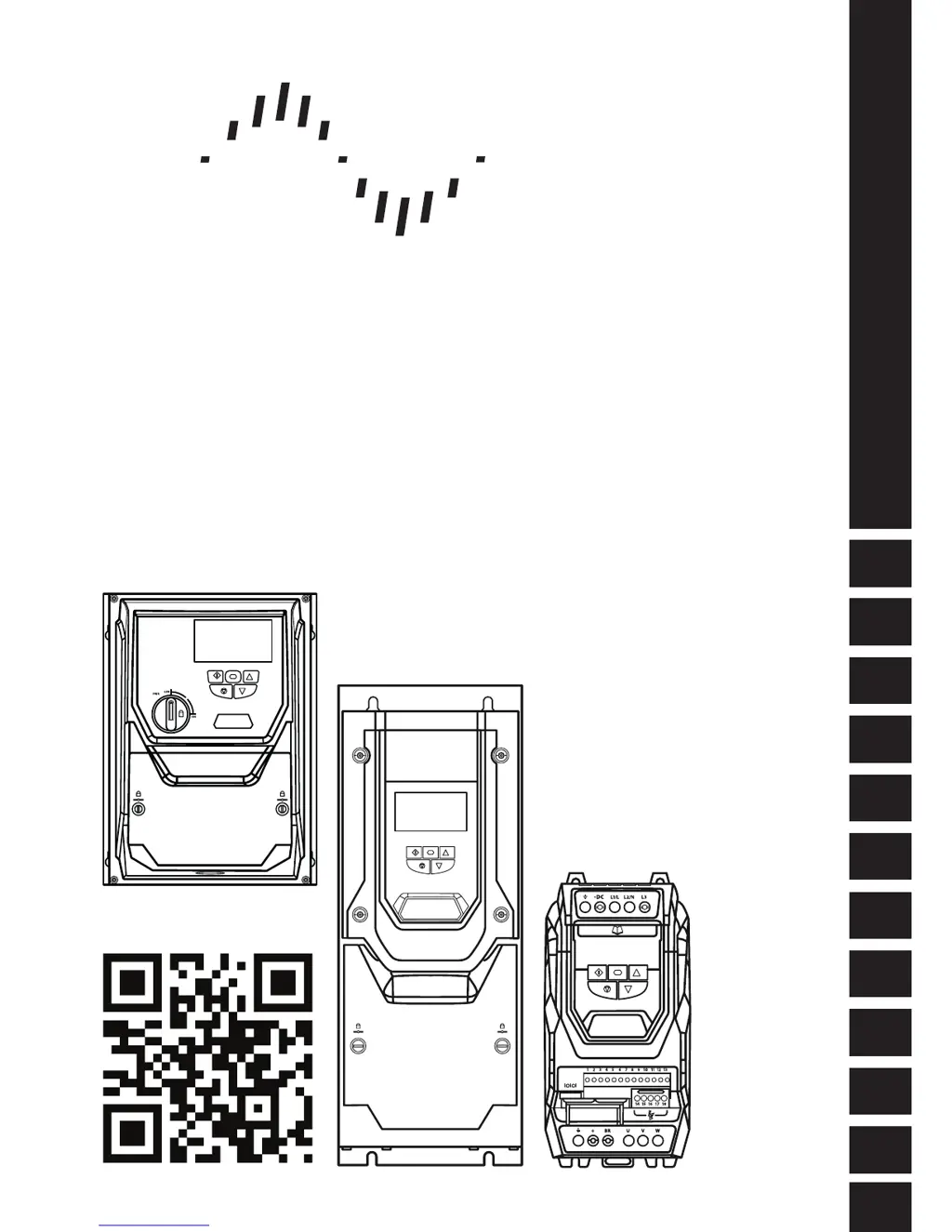
User Guide
AC Vector Drive
For Precision Industrial Motor Speed & Torque Control
0.75 - 160kW / 1HP - 250HP
200 - 480V 1 / 3 Phase Input
General Information
and Ratings
Quick Start Up
Mechanical Installation
Electrical Installation
Keypad and Display Operation
Parameters
Extended
Parameters
Serial
Communications
Control Terminal
Functions
Technical Data
Troubleshooting
P2 Series
Bardac
drives

Questions and Answers

Summary

Declaration of Conformity

Safe Torque OFF (“STO”) Function

Details the STO function's compliance with safety standards and its design.

1. Quick Start Up

1.1. Important Safety Information

Provides critical safety warnings and precautions for drive installation and operation.

1.2. Quick Start Process

Step-by-step guide for the initial installation and commissioning of the drive.

3. Mechanical Installation

3.6. Guidelines for Enclosure Mounting (IP20 Units)

Guidelines for mounting IP20 drives within enclosures, including air gap and ventilation.

3.7. Mounting the Drive - IP20 Units

Details on mounting IP20 drives using screws or DIN rail, including drilling locations.

3.8. Guidelines for Mounting (IP55 Units)

Guidelines for mounting IP55 drives, including vertical orientation and clearance requirements.

3.9. Guidelines for Mounting (IP66 Units)

Guidelines for mounting IP66 drives, including vertical mounting and cable gland selection.

4. Electrical Installation

4.1. Connection Diagram

Illustrates the main electrical power connection diagram for the drive units.

4.2. Protective Earth (PE) Connection

Guidelines for proper safety earthing connections, including UL requirements.

4.3. Incoming Power Connection

Details on suitability, cable selection, and fuse/breaker selection for power input.

4.6. Motor Connection

Guidelines for connecting the motor to the drive, including cable types and shielding.

4.9. Control Terminal Wiring

Recommendations for wiring analog and control signal cables, including routing and shielding.

4.10. Control Terminal Connections

Detailed explanation of control terminal functions and example connection schematics.

4.12. Motor Thermal Overload Protection

Information on the drive's internal thermal overload function and motor thermistor connection.

4.13. EMC Compliant Installation

Recommendations for installing the drive to achieve EMC compliance, including cable types.

4.14. Safe Torque Off

Detailed explanation of the Safe Torque Off (STO) function, responsibilities, and operation.

5. Keypad and Display Operation

5.5. Changing Parameters

Instructions on how to navigate and modify drive parameters using the keypad.

5.7. Resetting the Drive Following a Trip

Methods for resetting the drive after a fault condition has occurred and been rectified.

6. Parameters

6.2. Parameter Group 1 - Basic Parameters

Details basic configuration parameters for motor nameplate, speed limits, and control sources.

7. Control Terminal Functions

7.1. Control Source Selection

Defines how the drive selects control commands and speed references from various sources.

8. Extended Parameters

8.2. Parameter Group 3 - PID Control

Configuration parameters for the drive's internal PID controller, including gains and limits.

8.2.3. Parameter Group 4 - High Performance Motor Control

Parameters for advanced motor control, including motor types and autotune.

8.3. Parameter Group 5 - Communication Parameters

Parameters for configuring fieldbus interfaces like Modbus RTU and CAN Open.

9. Serial Communications

9.2. Modbus RTU Communications

Details Modbus RTU communication, including telegram structure and control registers.

9.3. CAN Open Communication

Information on CANopen communication, including setup, baud rates, and Node ID.

10. Technical Data

10.2. Input;Output Power and Current Ratings

Provides power, current ratings, fuse/MCB selection, and cable length data for P2 models.

10.4. Derating Information

Information on when derating is required and how to apply derating factors.

11. Troubleshooting

11.1. Fault Messages

Lists fault codes, OLED messages, descriptions, and corrective actions for drive faults.

Bardac drives P2 Series Specifications

General IconGeneral
BrandBardac drives
ModelP2 Series
CategoryDC Drives
LanguageEnglish