Attaching the Accessories
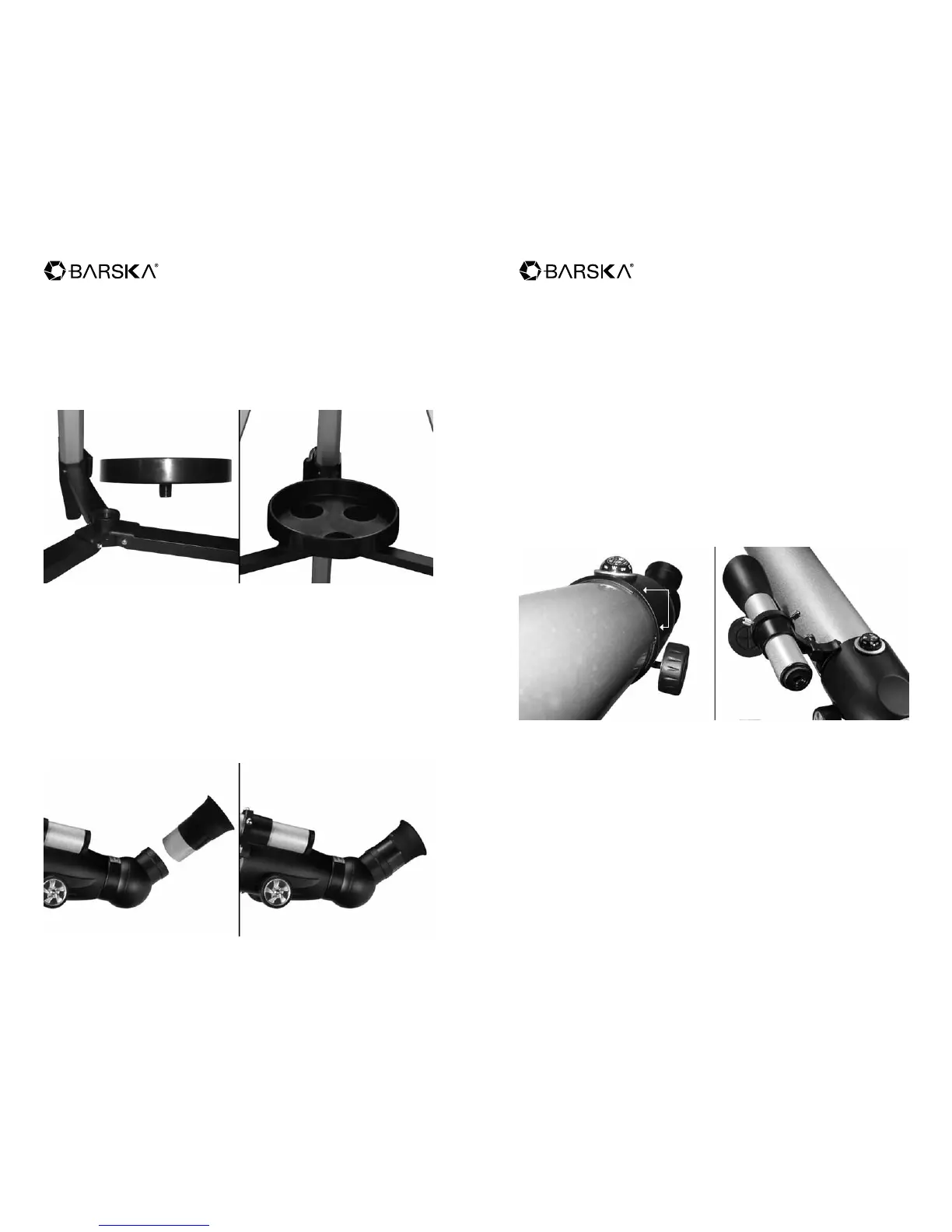
Accessory Tray
1. Included with the telescope is an accessory tray that is mounted in the center
and on the leg braces. If necessary fully extend the legs of the tripod apart.
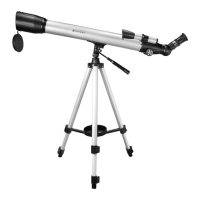
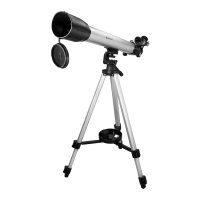
Initial set up is shown in the picture on the left. Should look like picture on the
right when nished.
Eyepiece
1. Select an eyepiece, place it into the rotating diagonal. Lock the eyepiece it into
place with the thumb screw.
Barlow Lens
The included 3x Barlow lens triples the magnifying power of each eyepiece.
See Barlow Lens page 7
Eyepiece initial set up is shown in the picture on the left. Should look like picture
on the right when nished.
Finderscope
The mount of the nderscope bracket slides into the main body of the telescope.
Located between the compass and the focus knob.
1. Unscrew the 3 silver thumbscrews located on the nderscope bracket and
place the nderscope through the opening of the nderscope bracket. Tighten
the 3 silver thumbscrews to keep nderscope in place.
2. Slide the nderscope bracket into the body of the telescope, located between
the compass and the focus knob.
3. Remove cap from the eyepiece of the nderscope.
4. If necessary adjust the thumb screw of nderscope bracket to change the
angle of viewing for the nderscope.
Initial set up is shown in the picture on the left. Should look like picture on the
right when nished.
4 5
231 Power, 70060 Starwatcher Telescope 231 Power, 70060 Starwatcher Telescope


 To Next Page