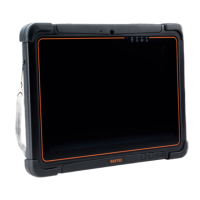
This installation of the Windows 10 IoT Enterprise operating system can be process in
two ways, depending on the prepared USB stick (standard non-Ex USB stick or Bartec
Ex-i USB stick.
Note:
First you need to prepare a bootable installation USB stick with the required BARTEC
operating system image.
Manual for preparation is available as separate manual on BARTEC download page:
https://automation.bartec.de/tabletpcE.htm
Select the device.
Go to register card “Tools”.
3.1 Installation with Standard non-Ex USB stick
1. Insert the Tablet-PC in the docking station and connect the power supply.
2. Plug the standard non-Ex USB stick with the operating system into a USB port of
the docking station.


 To Next Page