EasyManua.ls Logo

Bartec SILAS A7-3741-1110/1000 - User Manual

Bartec SILAS A7-3741-1110/1000
50 pages
Print Icon
To Next Page IconTo Next Page
Loading...
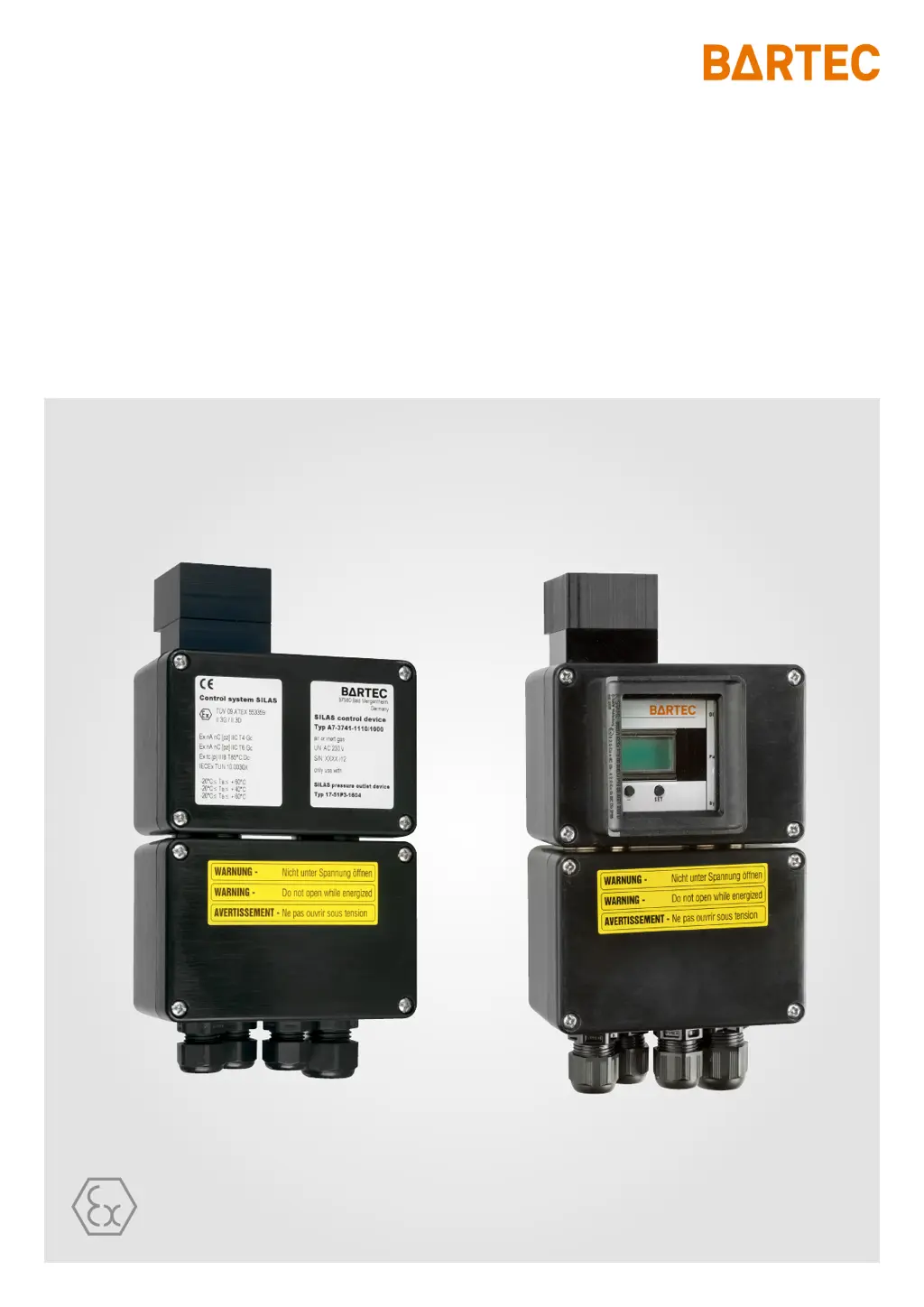
Operating instructions SILAS Control Unit
Control unit Type: A7-3741-1110/....
Pressure monitor Type: 17-51P3-1604

Questions and Answers

  • L
    Louis LutzAug 9, 2025
    What to do if the Bartec SILAS A7-3741-1110/1000 does not operate?
    • G
      georgechadAug 9, 2025
      If your Bartec Control Unit isn't operating and the display is blank, first, check the mains voltage supply cable to ensure it's properly connected and providing power. Also, verify that purging gas is connected. If the issue persists, and the electrical equipment was switched on without pre-purging, note that the purging time must count down. If none of these steps resolve the issue, it is possible that the device is defective and should be returned to the manufacturer for further inspection.
  • V
    Veronica FowlerAug 25, 2025
    Why is my Bartec Control Unit not working?
    • E
      Ellen HawkinsAug 26, 2025
      If your Bartec Control Unit isn't operating, it might be due to several reasons. Start by checking the mains voltage supply cable. Ensure that purging gas is available and connected. Also, verify the purging gas valve for proper operation. If the valve doesn't open, inspect it for any foreign particles in the mechanical part. If the issue persists, it could be due to incorrect programming of the purging function; in this case, remove the bypass plug, turn the rotary, and check the programming.

Bartec SILAS A7-3741-1110/1000 Specifications

General IconGeneral
CategoryControl Unit
ModelSILAS A7-3741-1110/1000
ManufacturerBartec
Operating Voltage24 V DC
Ambient Temperature-20°C to +60°C
Ingress ProtectionIP66
Housing MaterialAluminum

Related product manuals