Installation and operation
A300117 13 / 19
„ZERO“ and „TARE“
indicator lights
Show that the container weight is set to
zero.
„RECHARGEABLE
BATTERY flat“ indicator light
Shows that the rechargeable battery is flat.
Charge the rechargeable battery.
Shows that the kitchen scale is in the tare
process.
Selected functions or weighing results are
displayed.
„WEIGHING UNIT“ indicator
light
The selected weighing unit is displayed.
Before use
1. Make sure that all components of the appliance and accessories are available
and in sound condition.
2. Prior to first use, thoroughly clean the appliance and equipment according to
instructions in section 6 „Cleaning“.
3. All cleaned parts should be dried thoroughly.
4. Allow the kitchen scale to adjust to the room temperature before use.
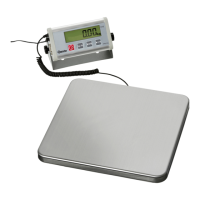
5. Place the weighing platform on the kitchen scale.
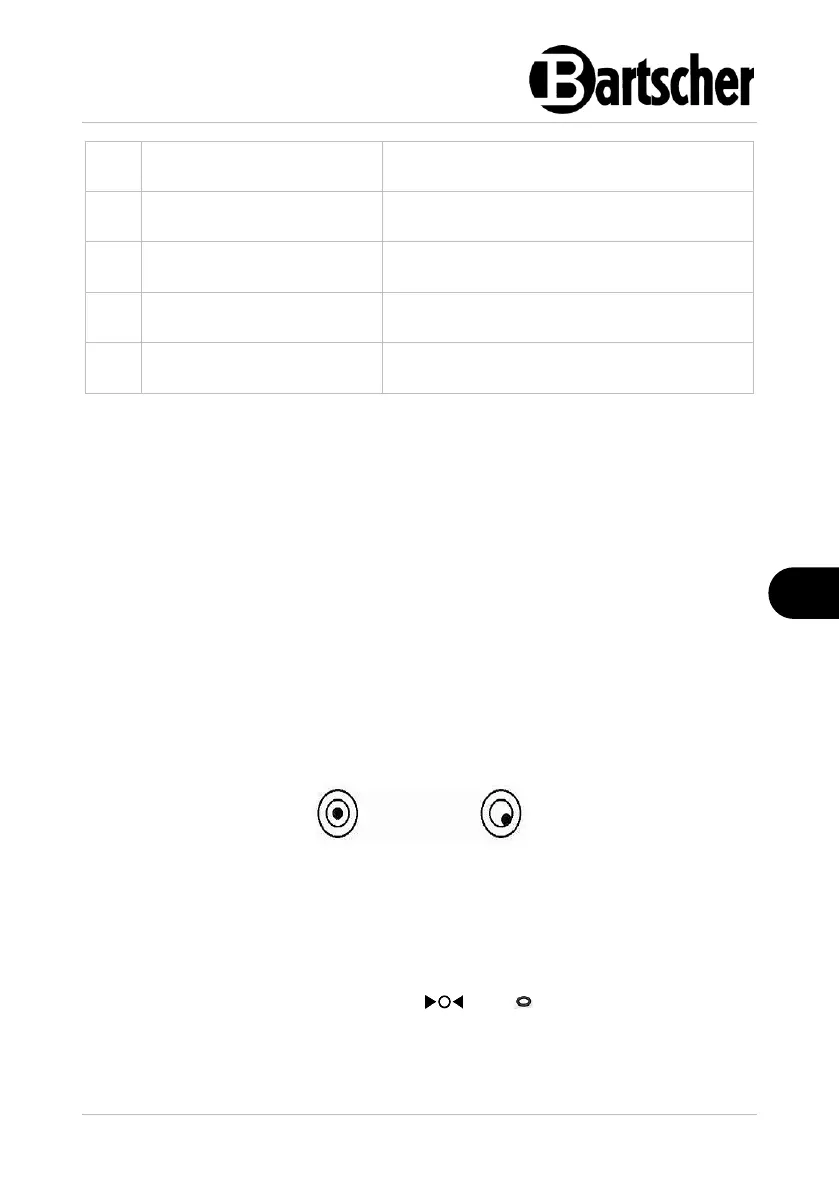
6. Level with the use of the adjustable feet. Use the spirit level to double-check
(bottom left to the control panel). The air bubble (just like in the case of the
regular spirit level) should be located inside the circle.
Switching the appliance ON/OFF
1. If there are no objects on the weighing platform, press the ON/OFF mains power
switch (in the front, bottom of the kitchen scale) to switch the appliance on.
The digital display shows all indicators for a few seconds and then only the
maximum weighing result and „0.000 kg“, „ “ and „ “ sections are displayed.
2. To switch the appliance OFF, press the ON/OFF mains power switch again.
Lighting of the digital display



 To Next Page