Configuration through WEB interface– 7
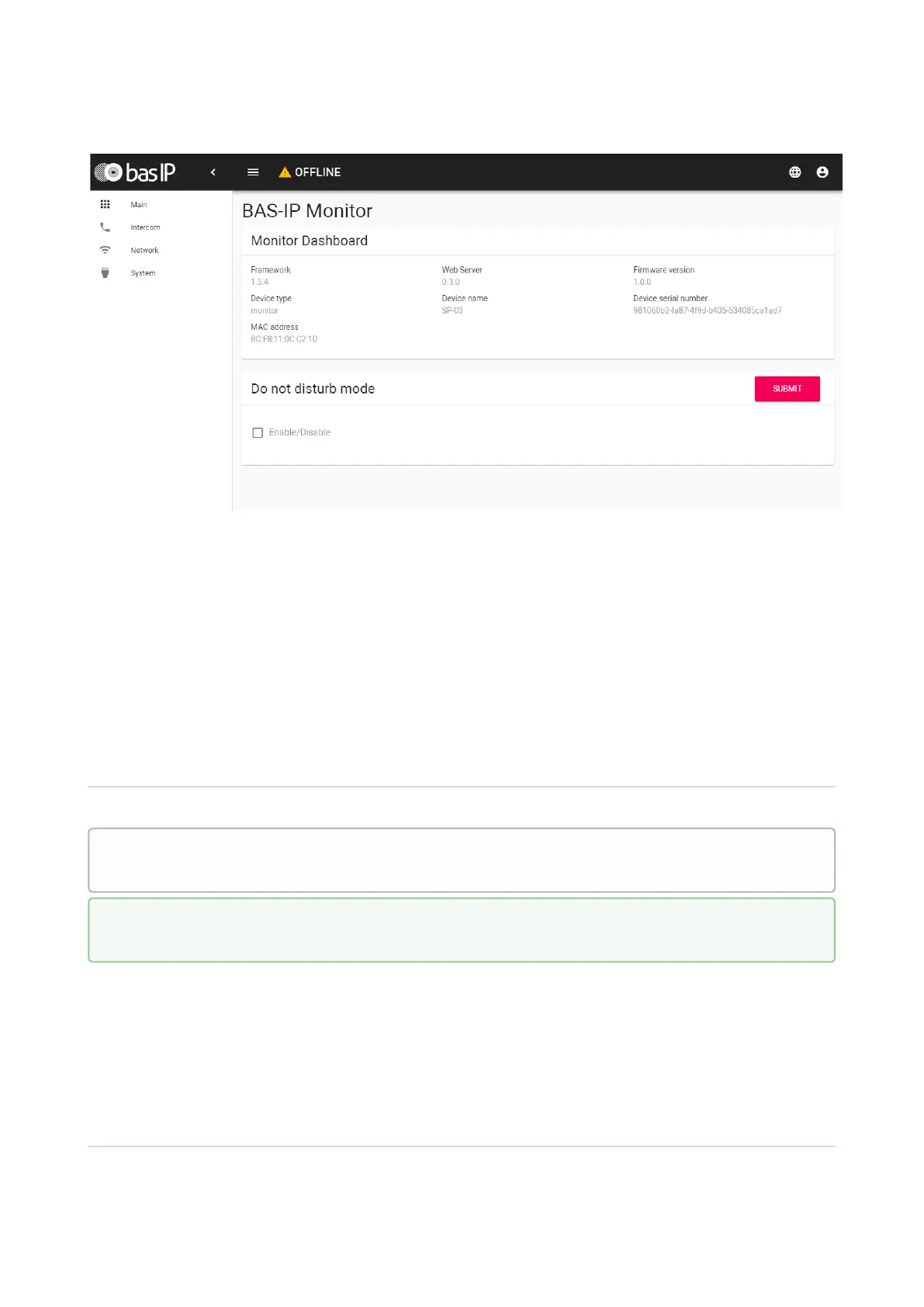
Framework:Version of Framework.
Web Server:Version of Web server.
Firmware version:Version of the firmware.
Device type:Device type.
Device name:Name of the device.
Device serial number:Device serial number.
MAC address:MAC address of the device.
Do not disturb mode
Enable/Disable:Enable/disable the do not disturb mode.
Intercom
In this menu, the logical address settings are set for the device to communicate with the call
panels.
Address Settings
In the do not disturb mode the device will receive calls without a sound, only the green
LED will blink. In the stand by mode, red LED will light.
To enable this mode directly from the device, you need to press the top left button on
it.



 To Next Page