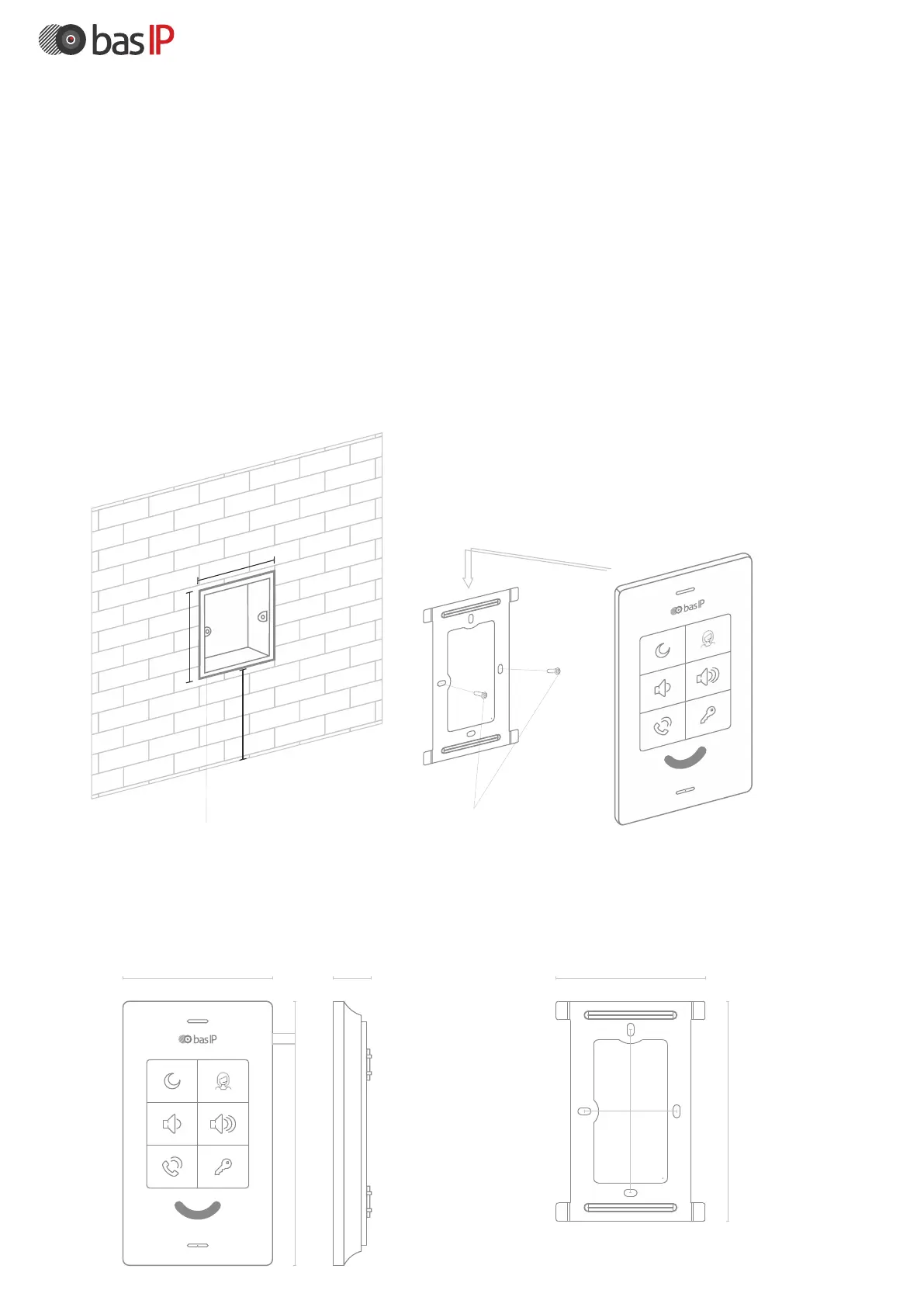
Mechanical mounting
The device is mounted on the bracket from top to bottom.
The bracket is fixed in the socket by using the supplied screws and
Before installing the monitor, you must provide a hole or recess in the wall
with a diameter of 68 mm for a standard mounting box for a 65x45 mm outlet.
This is necessary for switching wires and mounting the monitor.
a cross-head screwdriver.
Device
Bracket
Mounting box Screws Device
65
mm
45 mm
150-
160 cm
105 mm
183 mm
28 mm 86 mm
117 mm
106 mm
60 mm



 To Next Page