3
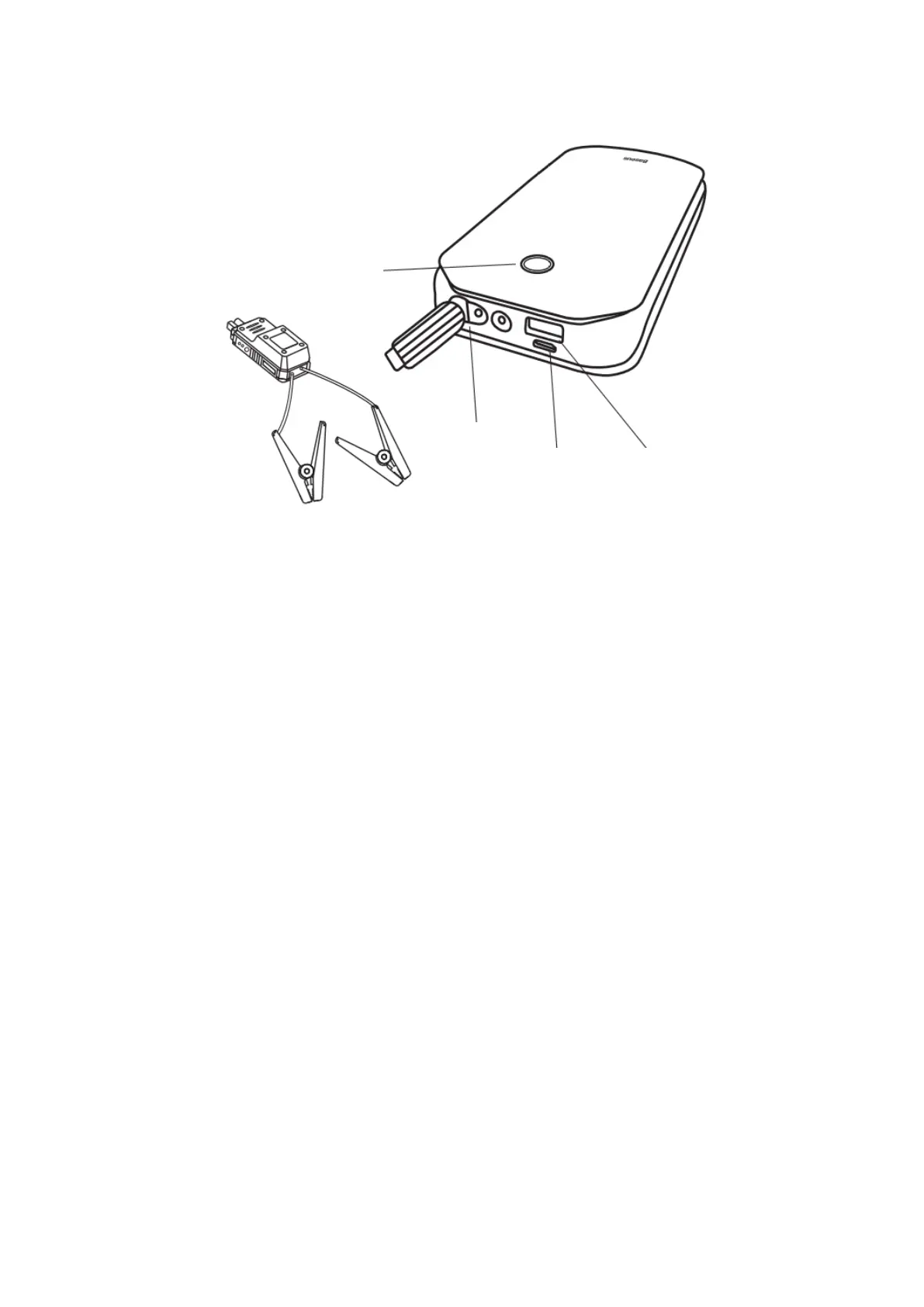
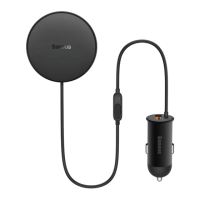
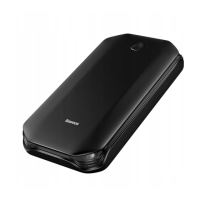
Product Display
Jump Starter Instructions
1. Insert the smart ignition clip into the EC5 interface of the start-up power supply,
and the red and green lights of the smart clip will flash alternately.
2. Open the hood of the car and clip the smart clip to the car battery accordingly
(the positive pole of the ignition clip corresponds to the positive pole of the car
battery, and the negative pole of the ignition clip to the negative pole of the car
battery).
3. Go back to the car and start the car.
4. Remove the start-up power immediately after starting the car.
Lighting Instruction
Long press the power button for three seconds to turn on the lighting function, then
short press to enter SOS mode, then short press to enter flash mode, and then press to
turn off the light.


 To Next Page