Bluetooth mode fast using guide
Bluetooth Connecting:
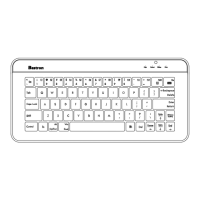
1.Press the Power button to turn on the keyboard,both
Connect LED and Power LED will light up for 5 seconds,then
Connect LED will begin to flash,now enter into paring status.
2.Select the Settings icon on your tablet/PC/Mobile’s screen.
3.Locate and select Bluetooth from the setting menu.
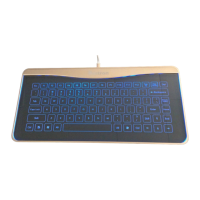
4.Choose ”Glass Keyboard” to connect under searching
device.
5.Your bluetooth device should now show the keyboard has
connected successfully,then Connect LED will be turn off.
Charging:
1.The Power LED will remain illuminated while the Keyboard is
powered on.
The Power LED indicator will blink when the Keyboard’s
battery needs recharging.
2.The Charging LED illuminates red during charging, and
shuts off when charging is complete.
Notice:
1.To turn off the keyboard, press the Power button in 3
seconds,then the Power LED will turn off.
2.The Keyboard will automatically go into standby mode after
15 minutes of non-use in order to preserve battery life.Just
press Power button to reactivate the Keyboard.
3.If you power-off your Tablet/PC/Mobile, you may need to
re-sync.
4.In Touchpad mode,Caps LED start to flash.
A2


 To Next Page
 Loading...