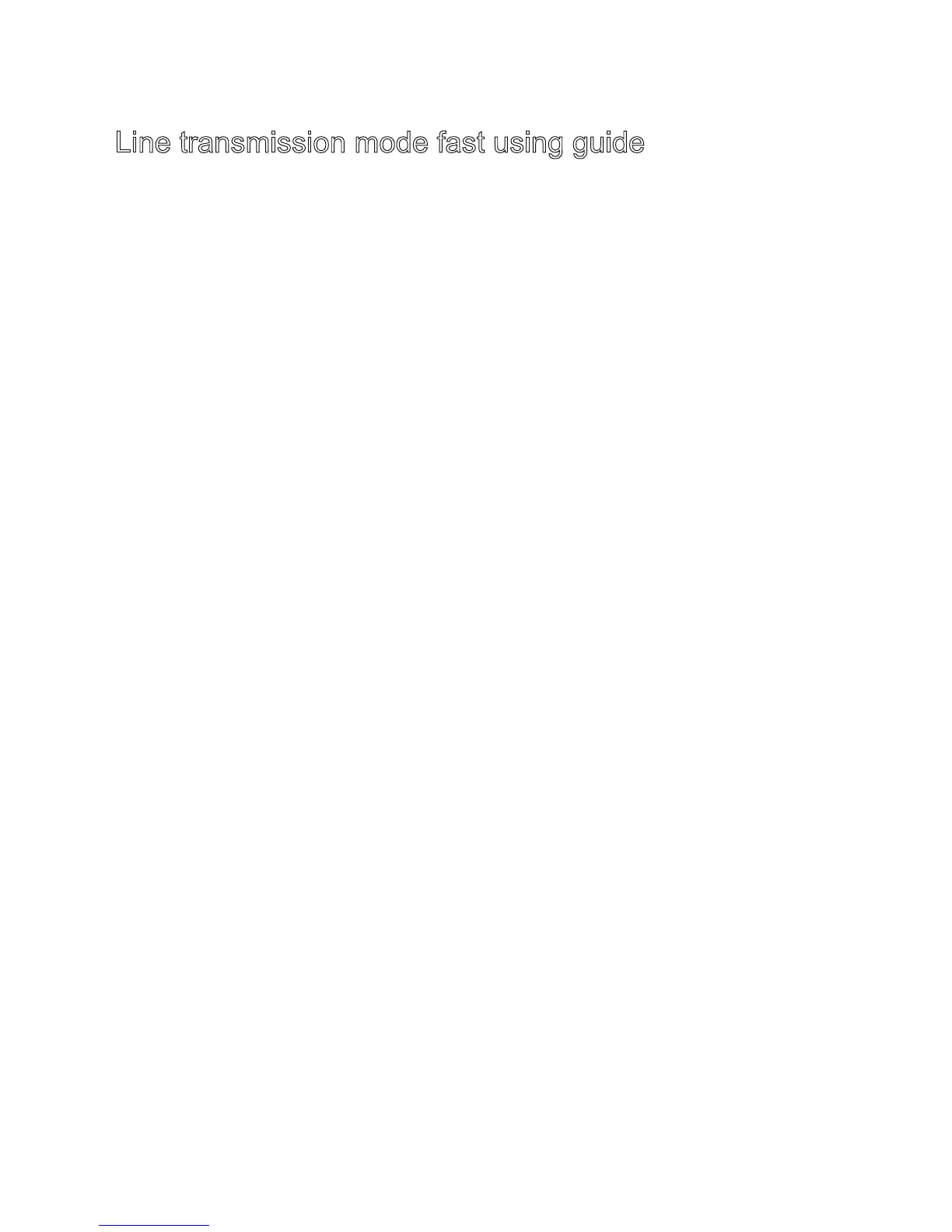
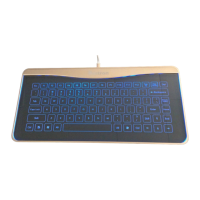
1. Default system: Mac OSX
Default mode: Keyboard mode
2.In Mac OSX system:
LED backlight is bright without touching,it turns dark aftertouching.
In Windows system:
LED backlight is dark without touching,it turns bright after touching.
3. The LED backlight will turn off after 30 consecutive seconds no
touching, it will turn on again after touching.
4. Switching the backlight to open or close status by touching the
sceen with ten fingers.
5. Interruption of power supply saving status: system status, LED
status and LED backlight status feedback. Interruption of power
supply without saving status: function status (press mose key is
setting to touchpad, press keyboard key is setting to keyboard).
Line transmission mode fast using guide
A3


 To Next Page