EasyManua.ls Logo

Bat-caddy X3 Series - User Manual

Bat-caddy X3 Series
29 pages
Print Icon
To Next Page IconTo Next Page
Loading...
User Manual
X3 Series
(X3, X3-LCD & X3R)
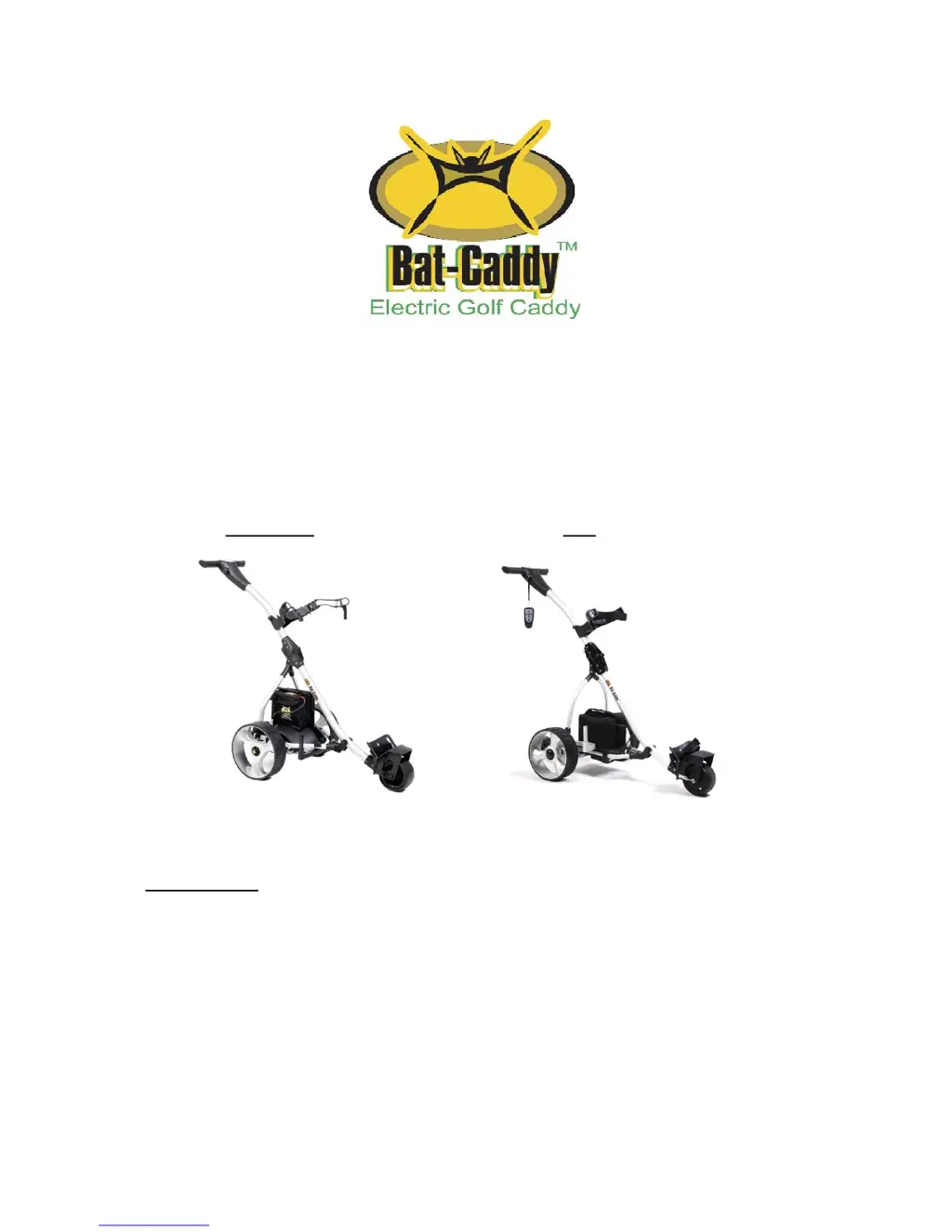
X3/X3-LCD X3R
ATTENTION: PLEASE FOLLOW ALL ASSEMBLY INSTRUCTIONS AND
READ AND UNDERSTAND THE OPERATING INSTRUCTIONS BEFORE
YOU OPERATE THE CADDY, EITHER MANUALLY OR BY REMOTE
CONTROL.

Questions and Answers

  • M
    Melody ClaytonAug 12, 2025
    What to do if my Bat-caddy Golf Trolley battery lacks power?
    • M
      Melissa WhiteAug 12, 2025
      If your Bat-caddy Golf Trolley battery lacks power, check the cable connections, ensure the battery is adequately charged, and verify the charger's functionality.
  • T
    Thomas RodriguezAug 21, 2025
    What to do if motor is running but wheels don’t turn on my Bat-caddy Golf Trolley?
    • S
      Shelly SmithAug 21, 2025
      If the motor of your Bat-caddy Golf Trolley is running but the wheels aren’t turning, check the following: 1. Ensure the wheels are correctly attached and cannot be pulled off. 2. For X3C/X3S models, verify the right and left wheel positions, ensuring they are on the correct side. 3. Check the connection between the controller and the motor. 4. Confirm that the wheels are secured to the axle by the axle pin. 5. Inspect the right and left wheel clutches.
  • M
    Matthew CarrollSep 1, 2025
    How to fix problems attaching wheels to my Bat-caddy Golf Trolley?
    • A
      amywashingtonSep 1, 2025
      To fix problems attaching wheels to your Bat-caddy Golf Trolley, make sure you are holding the spring clip down. If necessary, sand and smooth the axle with emery cloth to remove excess paint or burrs.

Bat-caddy X3 Series Specifications

General IconGeneral
TypeElectric Golf Trolley
FoldableYes
Remote ControlYes
Frame MaterialAluminum
Range36 holes
Drive TrainRear-wheel drive

Related product manuals