EasyManua.ls Logo

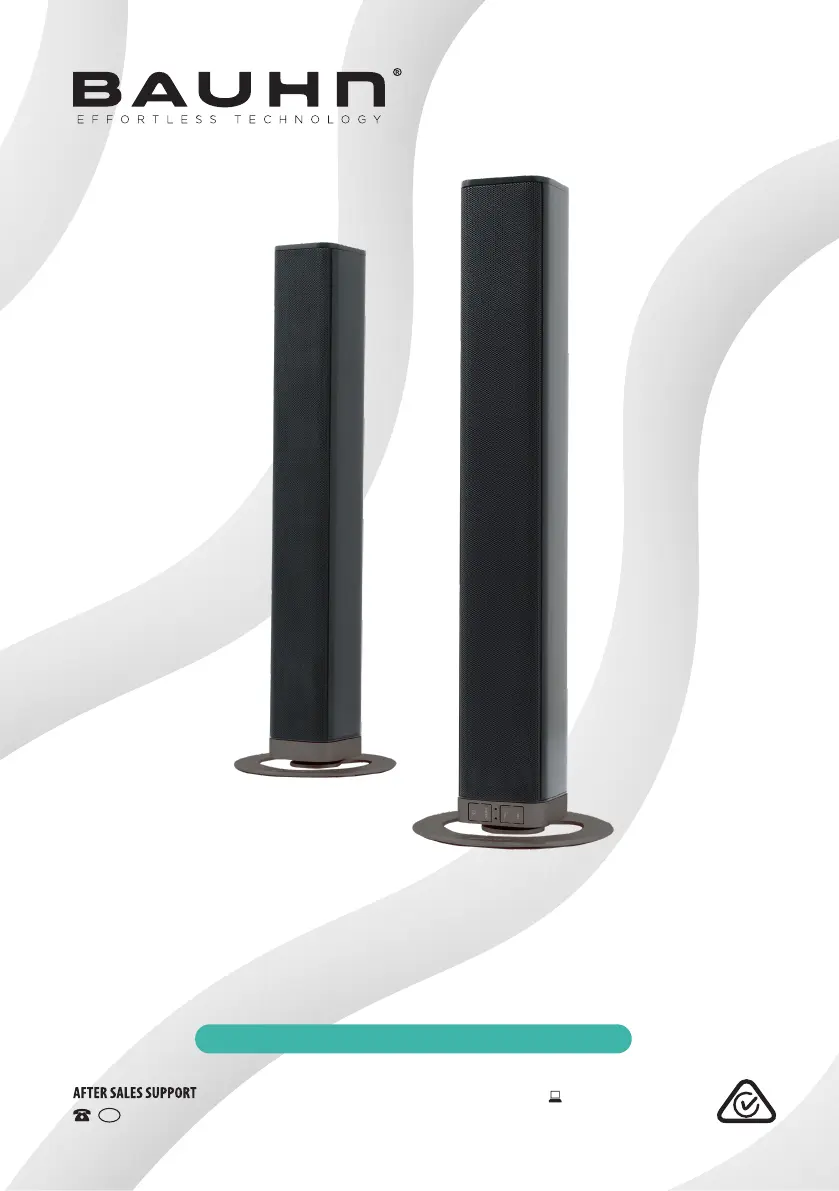
Bauhn ASB-0119 - User Manual

Bauhn ASB-0119
28 pages
Print Icon
To Next Page IconTo Next Page
Loading...
INSTRUCTION MANUAL
Model Number: ASB-0119
2.0 Channel Soundbar
with Bluetooth® Wireless Technology
1300 886 649 Model: ASB-0119 Product Code: 64259 01/2019
www.tempo.org
AUS

Questions and Answers

  • A
    Anthony TravisAug 5, 2025
    What to do if the Bauhn Speaker System remote control does not work?
    • E
      Elizabeth MoonAug 5, 2025
      If your Bauhn Speaker System remote control isn't working, try these steps: First, get closer to the unit. Then, make sure the battery is correctly installed, paying attention to the (+/-) polarities. If that doesn't work, replace the battery. Finally, be sure to aim the remote directly at the sensor on the front of the unit.
  • M
    mhicksAug 11, 2025
    How to fix a Bauhn Speaker System that has no power?
    • C
      Craig BellAug 11, 2025
      If your Bauhn Speaker System has no power, ensure that the AC adapter is properly connected and that there is power at the AC outlet. Also, make sure to press the POWER button to turn the unit on.
  • G
    Greg CrosbyAug 17, 2025
    What to do if Bauhn Speaker System has no response?
    • A
      alexander94Aug 17, 2025
      If your Bauhn Speaker System is not responding, disconnect and reconnect the AC adapter, then turn the unit on again.
  • M
    Michelle SmithAug 23, 2025
    How to get sound from HDMI or Optical connection on Bauhn Speaker System?
    • A
      Anthony CooperAug 23, 2025
      To get sound from an HDMI or Optical connection on your Bauhn Speaker System, ensure the audio output mode is set to PCM mode (instead of Auto, RAW etc.) on the connected source, such as your TV or DVD player.
  • M
    Misty CervantesAug 29, 2025
    What to do if I am unable to find the Bauhn Speaker System in the Bluetooth device list?
    • J
      Jennifer HarrisAug 29, 2025
      If you're unable to find the Bauhn Speaker System in the Bluetooth device list, ensure you have paired the unit with your Bluetooth enabled device and that the Bluetooth function is activated on your device.

Summary

General Safety Instructions

General Safety Instructions

Usage Conditions and Restrictions

Details usage conditions and restrictions for safe operation and product longevity.

Warranty Details

Remote Control

Remote Control

Remote Control Battery

Information on activating and replacing the remote control battery.

Remote Control

Using the Remote Control

Guidelines for effective operation and range of the remote control.

Battery Precautions

Important safety precautions and warnings regarding battery handling and disposal.

Parts List

Product Overview

Main Unit Overview

Overview of the main soundbar unit, including front and rear views with labeled parts.

Product Overview

LED Indicators

Explanation of the LED indicators and their corresponding operational modes.

Controls and Connections

HDMI (ARC) Socket

Details on connecting and using the HDMI (ARC) socket for audio output.

Controls and Connections

Optical and AUX Sockets

Instructions for connecting via the Optical and AUX input sockets.

Controls and Connections

USB Port and Power Connection

Information on using the USB port and connecting the power adapter.

Installation

Stand Mounting

Instructions for attaching stands to the soundbar units for stability.

Installation

Horizontal Mounting and Rubber Feet

Steps for horizontally mounting the soundbar, including rubber feet attachment.

Installation

Wall Mounting

Procedure for safely wall-mounting the soundbar unit, including necessary precautions.

Instructions

Basic Operation and Mode Selection

Covers turning the unit on/off, standby, and switching between input modes.

Volume Adjustment

Instructions for adjusting the soundbar volume and using the mute function.

Preset Sound Effect Selection

Guide to selecting different equalizer settings for audio output.

Instructions

HDMI, AUX, Optical Operation

Operating the soundbar with HDMI (ARC), AUX, and Optical connections.

Bluetooth Pairing and Playback

Steps for pairing and playing audio from Bluetooth-enabled devices.

Instructions

Bluetooth Tips and Notes

Helpful tips and important notes for Bluetooth connectivity, playback, and profiles.

Instructions

NFC Operation and Tips

How to pair NFC-enabled devices and troubleshooting tips.

Troubleshooting

Specifications

Other Useful Information

Responsible Disposal

Guidelines for environmentally responsible disposal of the product and its packaging.

Repair and Refurbished Goods Notice

Bauhn ASB-0119 Specifications

General IconGeneral
BrandBauhn
ModelASB-0119
CategorySpeaker System
LanguageEnglish

Related product manuals