EasyManua.ls Logo

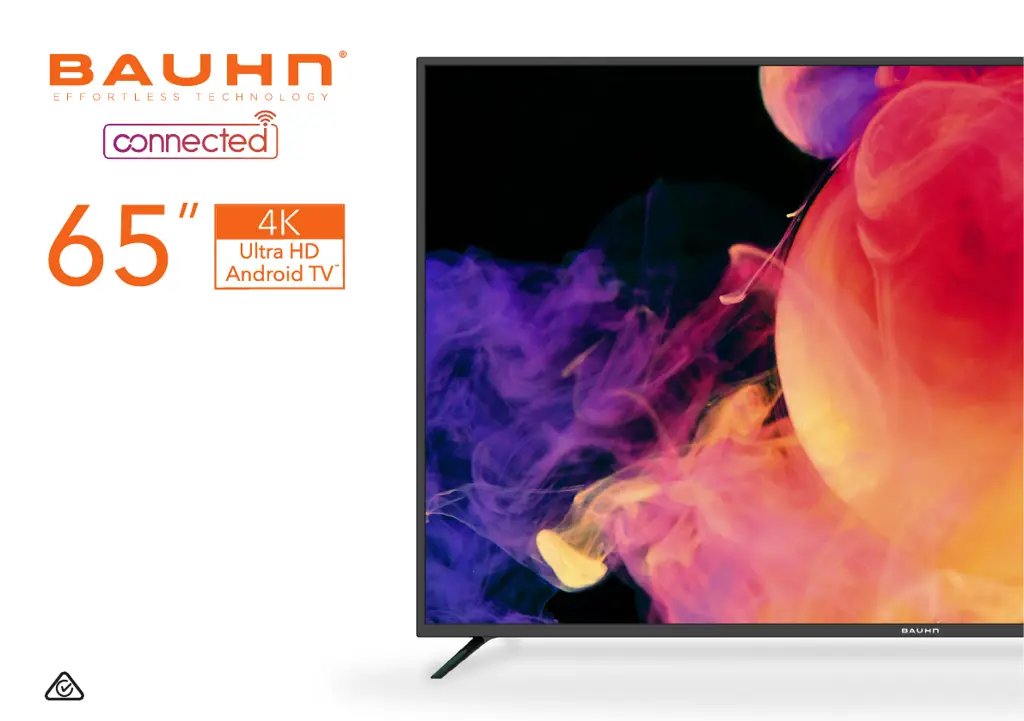
Bauhn ATV65UHDG-1019 - User Manual

Bauhn ATV65UHDG-1019
52 pages
Print Icon
To Next Page IconTo Next Page
Loading...
User Manual
ATV65UHDG-1019

Other manuals for Bauhn ATV65UHDG-1019

Questions and Answers

  • J
    joshuacooperAug 4, 2025
    How to troubleshoot no power on my Bauhn ATV65UHDG-1019 TV?
    • D
      Danielle BowersAug 4, 2025
      If your Bauhn TV has no power, first ensure the power outlet is switched on. If you're using a multi-outlet, verify it's functioning correctly by plugging the TV directly into a wall outlet. Also, try powering on the TV using the button on the TV itself.
  • T
    Troy SimpsonAug 11, 2025
    Why is there no sound on my Bauhn ATV65UHDG-1019?
    • C
      Candace RichardsonAug 11, 2025
      If you're experiencing sound issues with your Bauhn TV, ensure all equipment is properly connected and the TV's input setting is correct. Check the audio settings on any external devices. Make sure the volume isn't muted; if it is, press the MUTE button. Unplug earphones if connected. Adjust the volume using the VOL+ / VOL- buttons. For external audio devices, check the Smart Home settings for digital output and HDMI-ARC support. If the external speaker sound isn't synchronized, adjust the SPDIF Delay in the Sound settings.
  • J
    Jeremiah McfarlandAug 19, 2025
    What to do if my Bauhn ATV65UHDG-1019 has picture issues?
    • B
      bradleysteeleAug 19, 2025
      If you're experiencing picture issues with your Bauhn TV, verify that all equipment is connected correctly. If using an external device, try turning it off and on again. If the screen displays 'no signal,' select the correct source input. Adjust the antenna position and move the TV away from potential sources of electronic interference. Re-tune the free-to-air TV channels. If the image flickers when using an HDMI cable, ensure it's a high-speed cable, correctly connected, and not damaged. You can also adjust the HDMI EDID version in the device preferences settings.
  • D
    Daniel GomezAug 26, 2025
    Why is my Bauhn TV remote not working?
    • D
      Doris BanksAug 26, 2025
      If the remote control isn't working with your Bauhn TV, first check that the batteries are correctly installed and not exhausted; replace them if necessary. Ensure you're pointing the remote at the sensor from no more than 5 meters away, and that there are no obstacles blocking the signal.

Summary

Unpack and Prepare

Important Tips

Provides crucial advice for safe TV placement and handling.

Controls and Connections

TV Ports and Connectivity

Details various input/output ports and their uses.

Remote Control Operations

Remote Functionality

Explains how to operate the remote and its button functions.

Initial TV Setup

On-Screen Setup Guide

Overview of the initial setup process and guided preferences.

TV Setting Menus

Picture and Sound Settings

Configuration options for picture quality and audio output.

Network and App Management

Settings for Wi-Fi, Ethernet, accounts, and app permissions.

Recording and Time-shift

Recording Live TV

Instructions for starting and stopping live TV recordings using a USB device.

Scheduled Recording

How to schedule TV programs for recording via the TV Guide.

Troubleshooting

Bauhn ATV65UHDG-1019 Specifications

General IconGeneral
BrandBauhn
ModelATV65UHDG-1019
CategoryTV
LanguageEnglish

Related product manuals