2 About this manual
The next chapter contains a description of the device and its power supply and how to
switch it on and off. Then follows general information and the System Menu settings.
Chapter 6 describes the installation process and gives details on how to connect
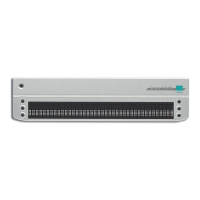
SuperVario2 to various devices.
Then follows description of specialties under various screen readers.
The screen reader determines which functions are assigned to the Braille keys, and thus
how SuperVario2 works with such applications.
Chapter 8 contains hints and tips to help sort out minor errors yourself.
At the end of the manual you will find details of our branches and our Hotline number
which you are welcome to ring with questions and suggestions.
We hope you enjoy working with your new Braille display.
Baum Retec AG.
5


 To Next Page