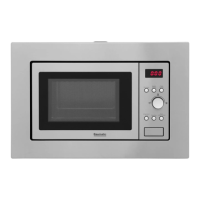
12
o All food and food containers must ALWAYS be placed on the
rotating plate during cooking.
o If the rotating plate or rotating base cracks or breaks, it must be
replaced immediately. Genuine Baumatic parts can be obtained
from Think Appliances.
Using your microwave
Setting the clock
o When your microwave is connected to the power supply, you can
set the clock to the correct time of day.
o The entire LED display will flash and then the “:” symbol on its
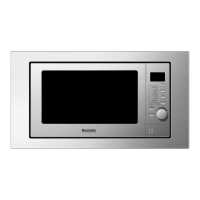
own. You should press the preset clock button (C) to set the
time of day. The appliance has a 24 hour clock.
o Press the time weight button (I) and the hour digits will start to
flash. Continue to press the time weight button until the correct
hour digit is displayed.
o Press the preset clock button again to confirm the hour time. The
minute digits will start to flash. Continue to press the time
weight button until the correct minute digit is displayed.
o Press the preset clock button for a third time to confirm the
minute time. The digits on the LED display will stop flashing and
the time of day is set.
o If you do not set the time of day, every time you connect your
microwave to the power supply, you will need to press the stop
clear button (E) once before you can use the microwave.



 To Next Page