18
Before you start using your Microwave, you may want to set the
time on the Clock and Preset times for cooking.
9 Each time you press a button, a ‘beep’ will sound.
1. Clock setting – For example; to set time as ‘8:30’
1) Press the ‘CLOCK’ button.
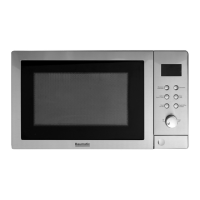
2) Turn the ‘TIME / WEIGHT’ dial clockwise until the correct
hour is displayed (In this case: ‘8’).
3) Press the ‘CLOCK’ button.
4) Turn the ‘TIME / WEIGHT’ dial clockwise until the correct
minute is displayed (In this case: ‘30’).
5) Press the ‘CLOCK’ button to set the time. It will now read
‘8:30’.
Settin
our Microwave’s Clock










 To Next Page