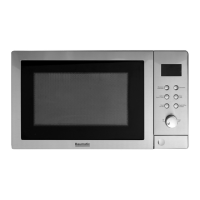
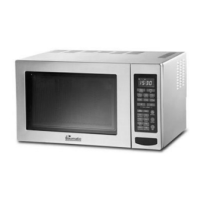
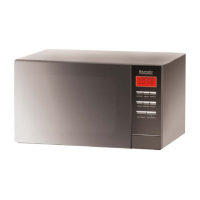
BTM25 .1SS
13
HOW TO SET THE OVEN CONTROLS:
Beeps during Oven Settings:
1. ONE BEEP: The oven accepts the entry
2. TWO BEEPS: The oven does not accept the entry. Please check and try again.
Setting the Clock:
Press the CLOCK/TIMER button.
Rotate the TIME/MENU dial until the correct hour is displayed.
Press the CLOCK/TIMER button.
Rotate the TIME/MENU dial until the correct minute is displayed.
Press CLOCK/TIMER button to confirm.
NOTE:
It automatically starts at a default setting of 1:00 when the oven is plugged
in.
To use the timer feature, holding down the CLOCK/TIMER button for at
least 3 seconds and then turn the TIME/MENU dial to set a countdown time
of up to 95 minutes.



 To Next Page