Need help?
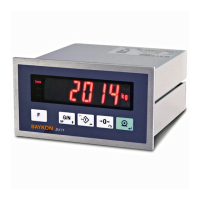
Do you have a question about the BAYKON BX10 and is the answer not in the manual?
Step-by-step instructions for zeroing and performing basic weighing.
Detailed procedure for installing the instrument and connecting the scale.
Instructions for physically mounting the indicator onto a panel.
Guidance on connecting load cells, including wiring details.
Procedures for connecting power and ensuring proper grounding.
How to set the DIP switch for calibration mode.
Instructions for programming interface and configuration parameters.
Overview of different calibration methods.
Procedure for adjusting the zero point of the scale.
Procedure for adjusting the span of the scale using test weights.
 General
| Brand | BAYKON |
|---|---|
| Model | BX10 |
| Category | Accessories |
| Language | English |


 To Next Page