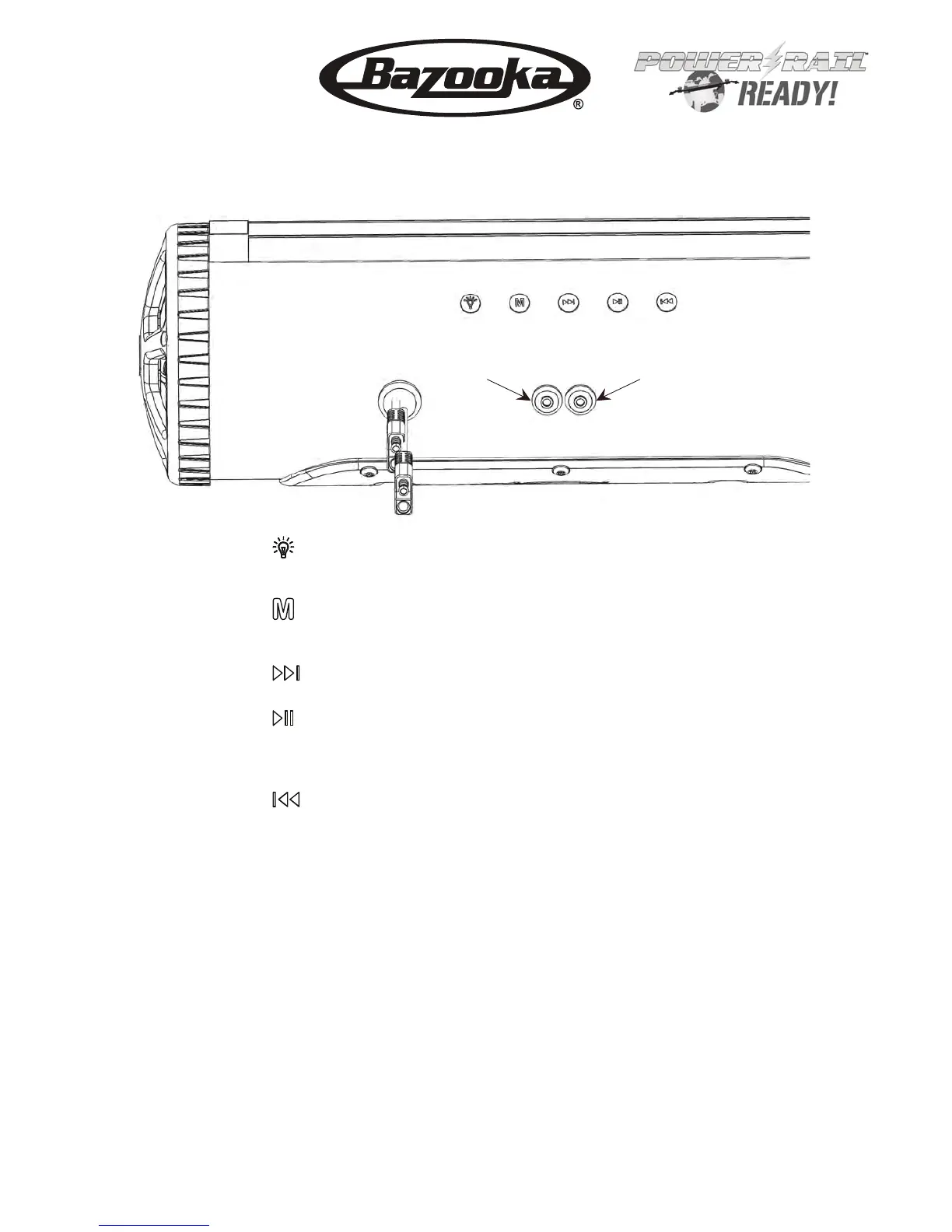
Aux Input Audio Output
Rev.12/12/2016 Pg. 2
Button 1
Auxiliary 12vdc output on/off switch.
Button 2 Press and hold to power on, press while power is on to switch input
between aux. and Bluetooth inputs, Press and hold to power off.
Button 3 Press to go forward one track, Press and hold to increase volume.
Button 4
Button 5
Press to go back one track, Press and hold to decrease volume.
Aux. Input Used for a 1/8” audio cable
Aud io Out put Used for line level audio signal to an amplifier
Press to play/pause, Press to answer/hang up phone, Double
press for last number radial or open Siri on Iphone, Press and
hold to unpair bluetooth device.
Bluetooth module audio indicators:
Audio Response
Power on:
Power off:
Beep:
Beep:
Double Beep:
Module is turned on
Module is turned off
After LED light stops blinking means module is paired
When play/pause button is pressed and held means
module is unpaired from Bluetooth device.
When forward button is pressed and held means
module has reached maximum volume.
Description
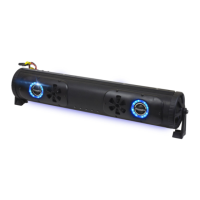
BPB24 / BPB24-DS
BPB36
Installation Instructions


 To Next Page