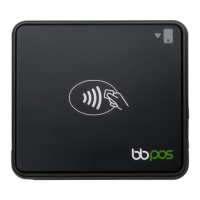
Status Light
Whenever the Chipper™ 2X BT is turned on, the LED located beside the power button
shows the reader’s current status.
• None
• The reader is off.
• Flashing blue every 1 second
• The reader is powered on and ready to connect to a device. The reader stays in
this state for 5 minutes before turning off.
• Multicolored flashing
• The reader has been discovered by a device using Bluetooth Proximity and is
ready to connect.
• Steady blue
• The reader is connected to a device. If the reader is inactive for 30 seconds, it
stays connected to the device but enters standby mode to conserve power.
• Flashing blue every 5 seconds
• The reader is in standby mode. Note that the reader is still connected to the
device and will wake from standby mode if you resume activity. After 10 hours
of inactivity, the reader turns off automatically.
• Alternating red and magenta
• The reader is charging.
• Flashing red
• The reader’s battery is low.
• Rapidly flashing blue and red
• The reader finished installing a software update.
Thank you,
The Collect for Stripe Team


 To Previous Page