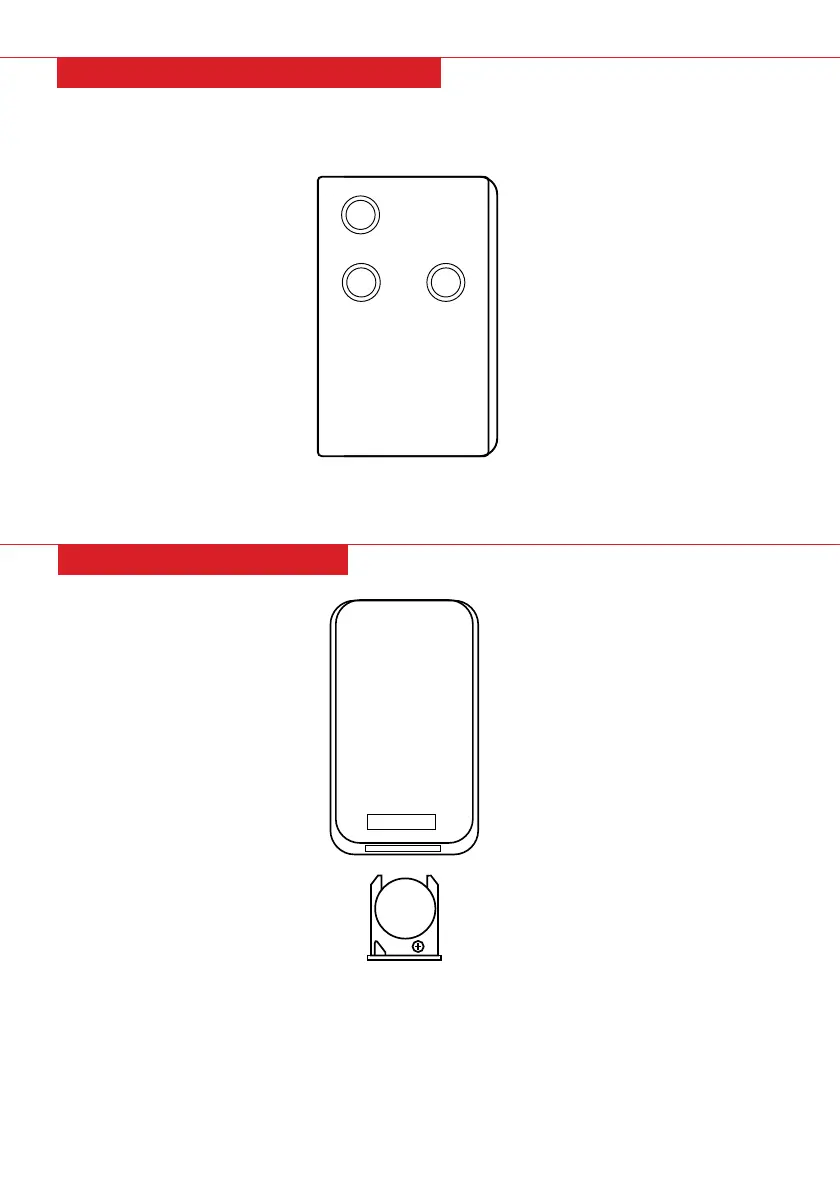
RELEASE
ON/OFF
DIMMER HEAT
Pg. 10
REPLACING BATTERIES
The remote has a 3V CR2025 lithium cell battery included. Remove the slip between the
battery and contacts before operating the remote.
DIMMER: Adjust dimmer settings
HEAT: Adjust heat settings
REMOTE CONTROL OPERATION
• Press the release and slide open the back panel of the remote.
• Remove the battery.
• Insert a brand new CR2025 battery, ensuring the “+” and “-“ signs are in the correct order.
• Replace back panel.



 To Next Page