Pg. 5
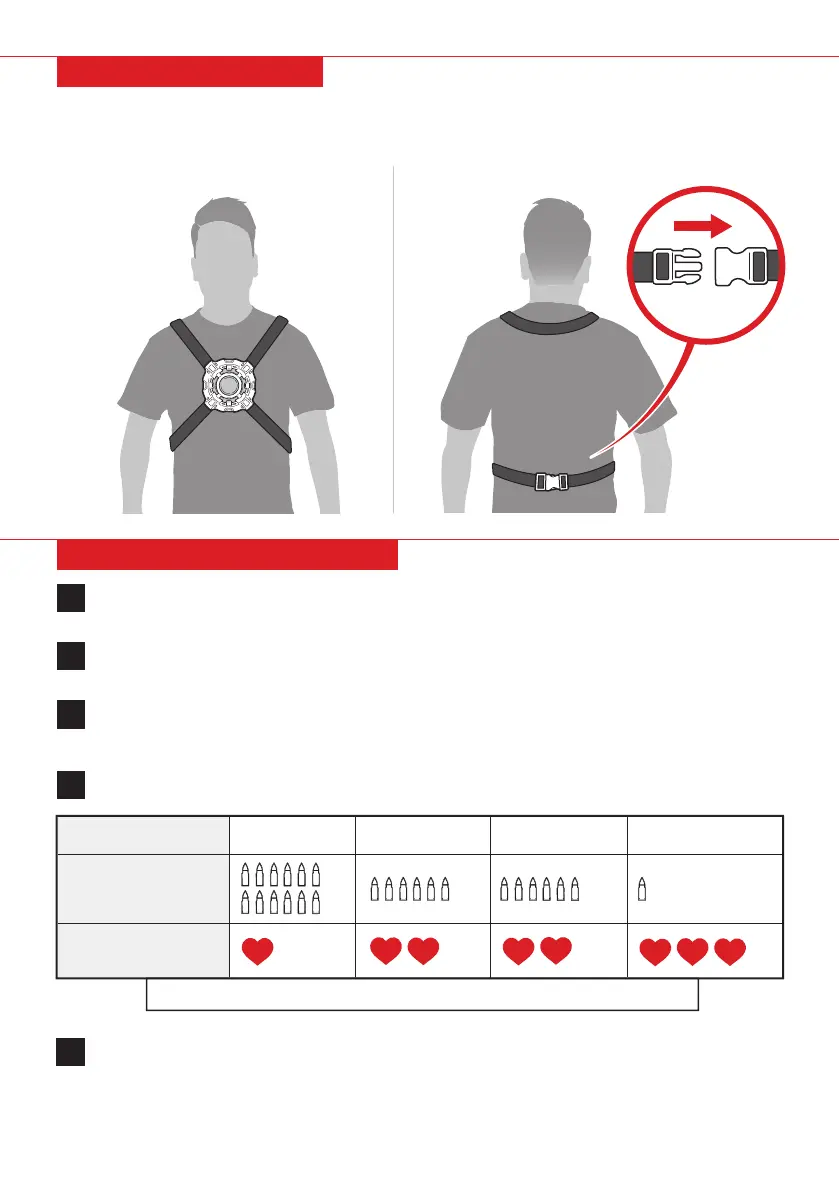
1. Place vest strap over your neck.
2. Fasten buckle in the back. Tighten straps to secure vest.
VEST INSTRUCTIONS
Press the gun selection button to toggle between 4 gun modes:
4
The pistol and the vest are infrared receivers with a dierent amount of health points (pistol has
9 health and vest has 12 health). Aim and shoot at an opponent’s pistol or vest to register a hit.
Once hit, the life indicator will reduce accordingly and the pistol/vest will vibrate and emit a sound.
When your life indicator reaches 0, the indicators will flash and you will not be able to shoot anymore.
5
Press the team selection button to toggle between teams. There are 4 colors to represent 4
possible teams – blue, red, green, or white. You cannot shoot your own team.
2
Switch the vest on and it will toggle dierent colors. Use the pistol to shoot the vest and the vest
will turn the color of your team. The vest is now assigned to your team. You cannot shoot your
own team’s vest.
3
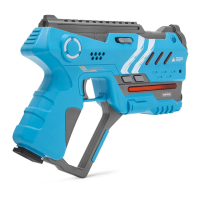
Switch the pistol on. The pistol will default to single shot mode.
1
OPERATING INSTRUCTIONS
Laser Gun Machine Gun Plasma Gun
Single Shot
HEALTH REDUCED
BY EACH SHOT
GUN MODES
SHOTS
When you run out of ammo, press the reload button under the grip to reload.
FRONT BACK


 To Next Page