First Philippines Scales BDE 2010
- 6 -
Chapter 11 Calibration (Only for Agent)
Power On, Press Print key once when counting down (before showing 0 weight).
The display shows: pn,Input M+, G/N, TARE as password. Now entering parameter setups.
The display shows " p0 chk ".
Press TARE key to find “P3 cal ”,
Press TARE key to find “DECI”, use TARE key to find“ cal “(Decimal Setting).
Press ZERO key to enter “UNLOAD”, make sure the platform is empty
Press ZERO key to confirm zero weight. (Zero Setting)
Press ZERO key to enter “LOAD”,
Put the Calibration Mass on the platform, enter the calibration weight. Press the ZERO key to
confirm SPAN. (SPAN Setting)
Power on again and remove Mass, show zero and finished.
Errors:
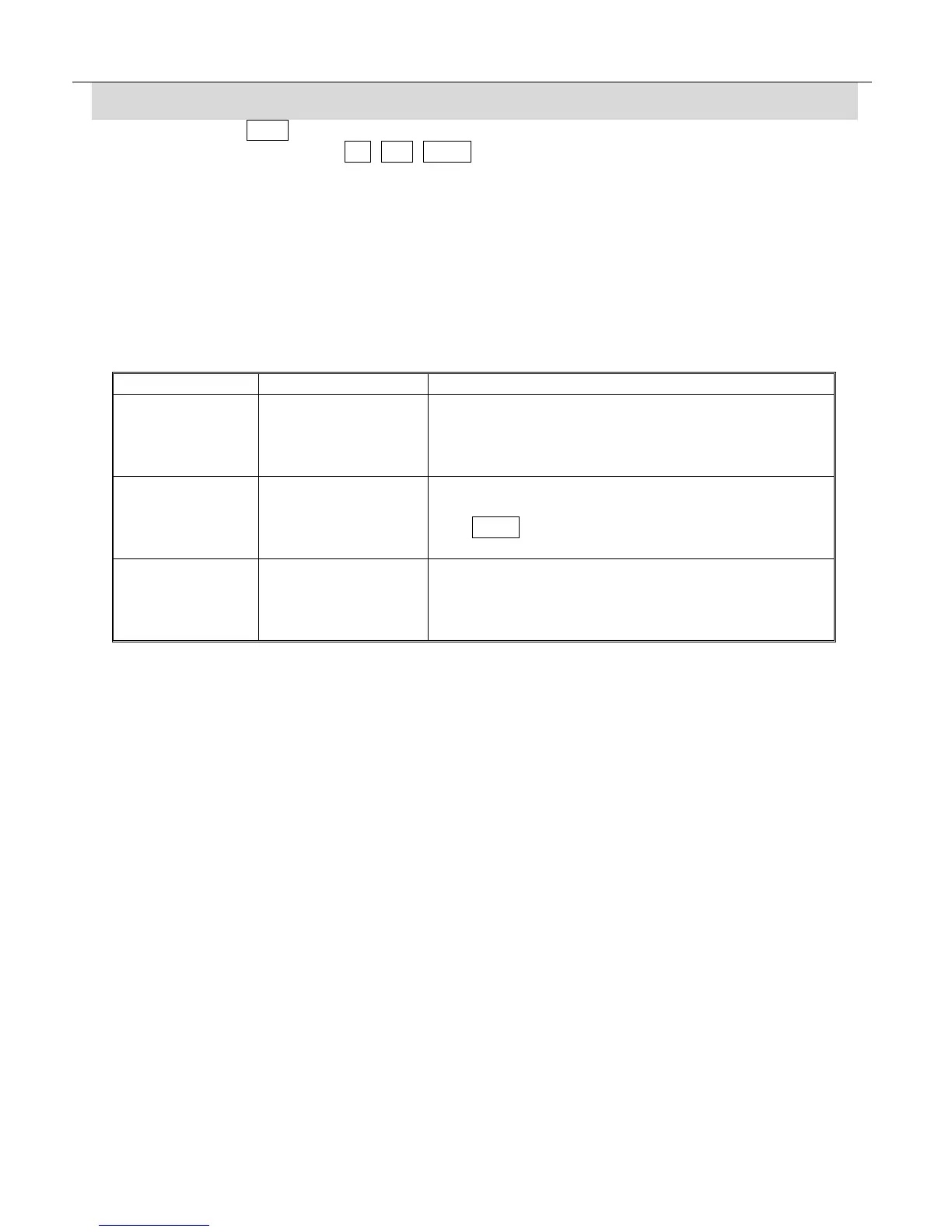
Code Description Trouble shooting
- - - - - Overload Remove extra weight from platform.
Load cell wire is not connected.
Load cell wire is broken.
Load cell broken.
Err 4 Zero Error The weight on the load cell is out of zero range:
Remove the object from the platform.
Use TARE key to zero weight.
Other conditions please contact agent.
Err 6 A/D conversion
range is out of
tolerance.
A/D conversion count is out of range.
Remove extra weight from platform,
Load cell broken.
PCB broken.



 To Previous Page