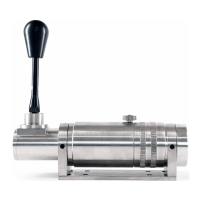
Good to go!
Switch on your PC and once Windows is loaded:
1.
Wait for Windows to recognise and install driver
2.
You will see “BDH SHIFTER”
3.
Go to “SETUP USB GAME CONTROLLERS”
4.
You will see “BDH SHIFTER”
5.
Select the shifter and use the windows software to run
through the gears, here you will be able to select all 8
gear options.
6.
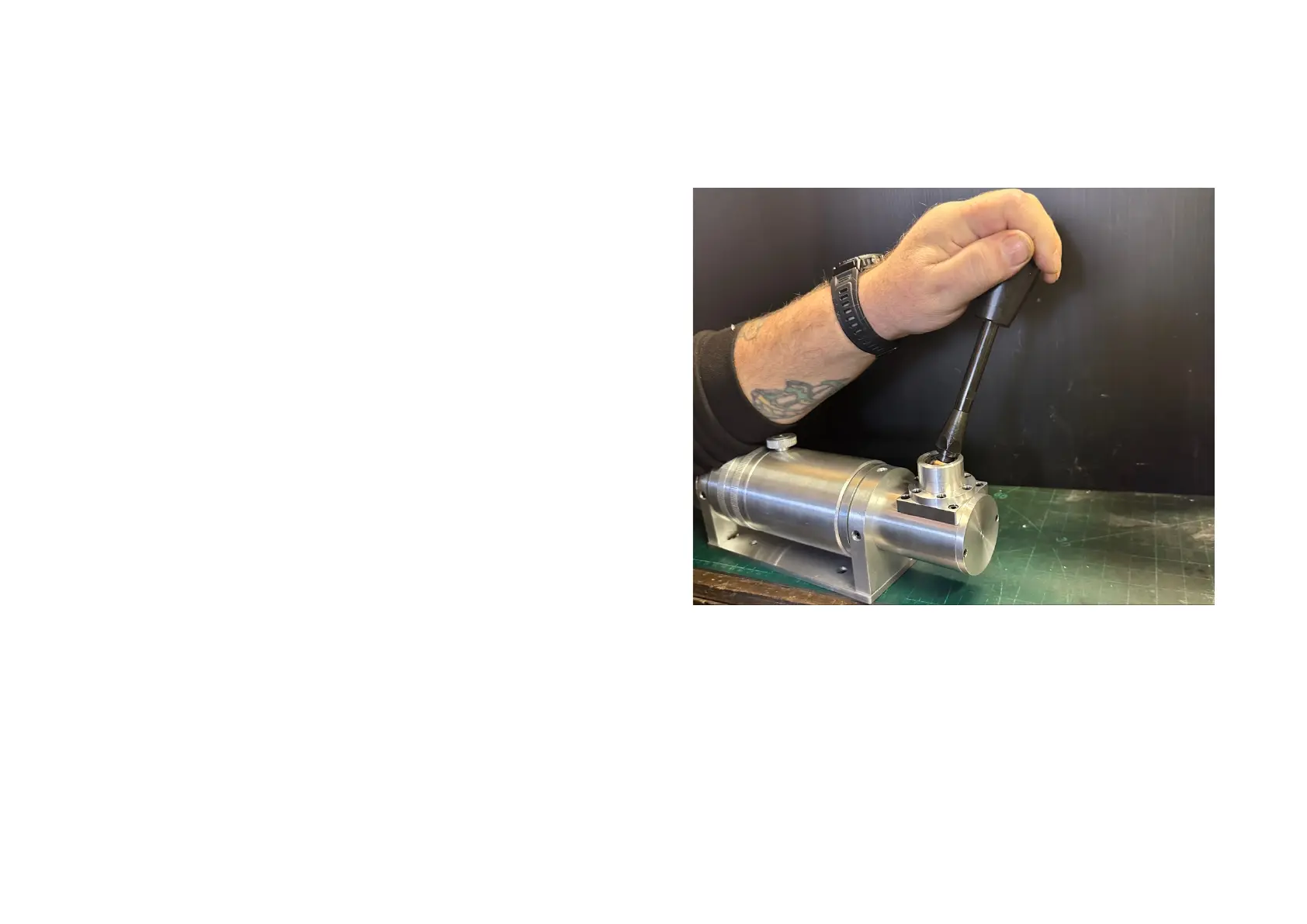
Note two of the gears, 7&8 are through the far tension
gate, so to access these you need to apply force (all the
way right or left depending on the way the shifter is
mounted) and then selecting up or down.
*Do not lift the shifter stick as this may damage the
mechanism.


 To Next Page
 Loading...