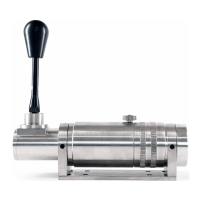
TO CHANGE MODE
To change from H Pattern to Sequential, it’s simple.
1. Make sure the shifter is in neutral
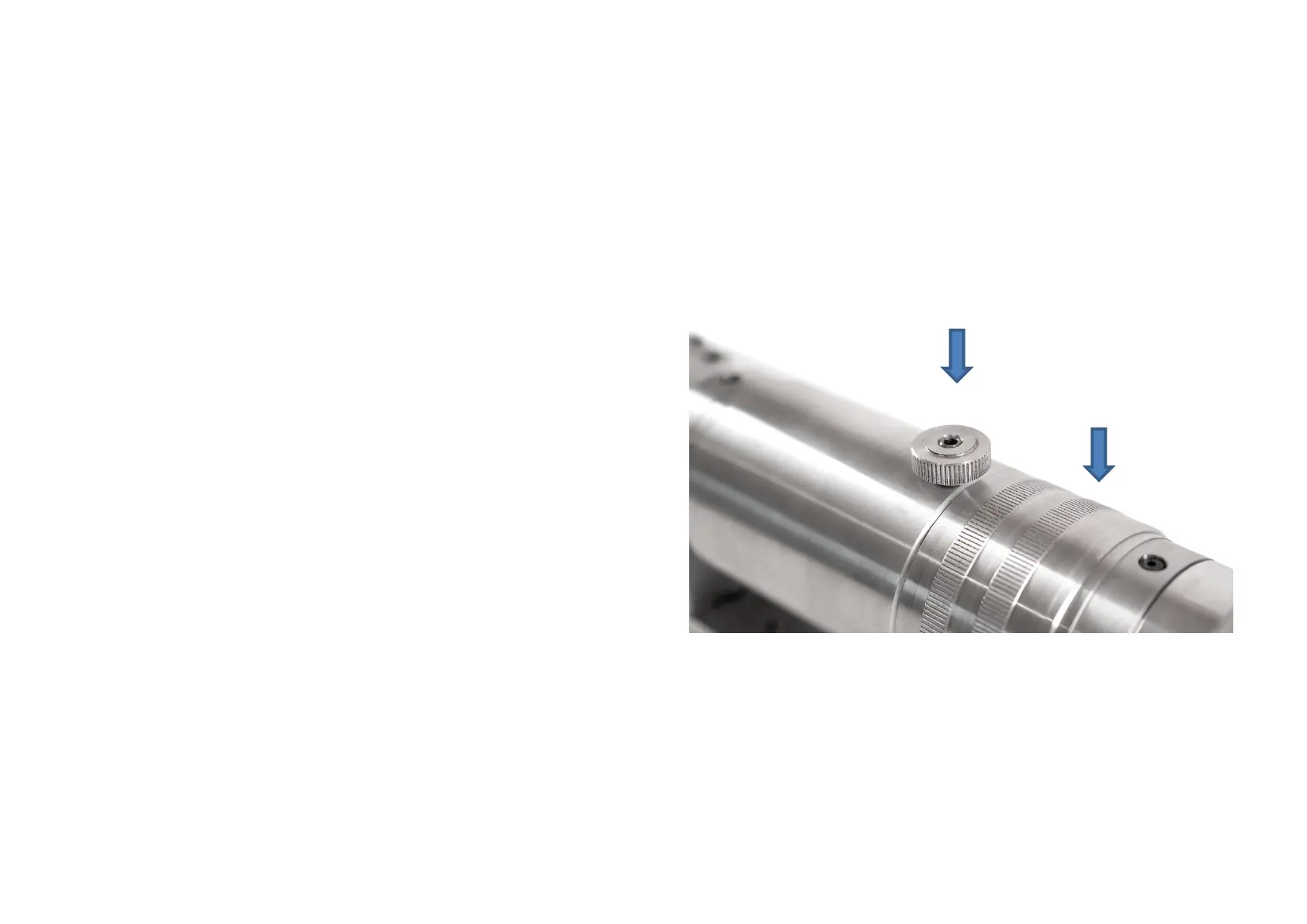
2. Rotate the knurled collar fully from its current position until
it clicks
CONFIGURE IN GAME
Now you have the shifter mounted, it has been recognised by
Windows, you can now get it going within your game.
1. Make sure the Shifter is in H Pattern Mode
2. Go into your chosen game
3. Access Game Controllers
4. Setup Gear Shifter
5. Within the game configure each gear by selecting the 8
within the H Pattern shifter.
6. Switch to Sequential Mode and select appropriate up and
down configuration, noting gears 9 and 10 for Sequential.
Tensioner
Our tensioning technology enables our customers to simulate
their favorite gearboxes.
PIC OF THE TENSIONER ADJUSTER
1.Move the barrel clockwise to tighten the shifter feel
2.Move the barrel anti-clockwise to loosen the shifter feel
You may find that H and SQ modes require different tolerances
that you can adjust to suit
*Please note over tightening of the Tensioner may result in
excessive wear of the shifter


 To Next Page
 Loading...