165
ERROR CODES
Error of the temperature sensor of the coil
Error of the indoor temperature sensor
Frost protection: The temperature of the
evaporator is too low and the entire air
conditioner switches off. If the temperature
rises above 8 degrees, the protection is
cancelled and the previous operating state
is restored.
Smart Home Wi-Fi Connection Guide
Install App
Download the “Smart life " app from the Play Store (Android) or App Store (iOS).
Register
If you do not have a “Smarter Home” account, register or sign in with a verification code sent by
SMS. To register:
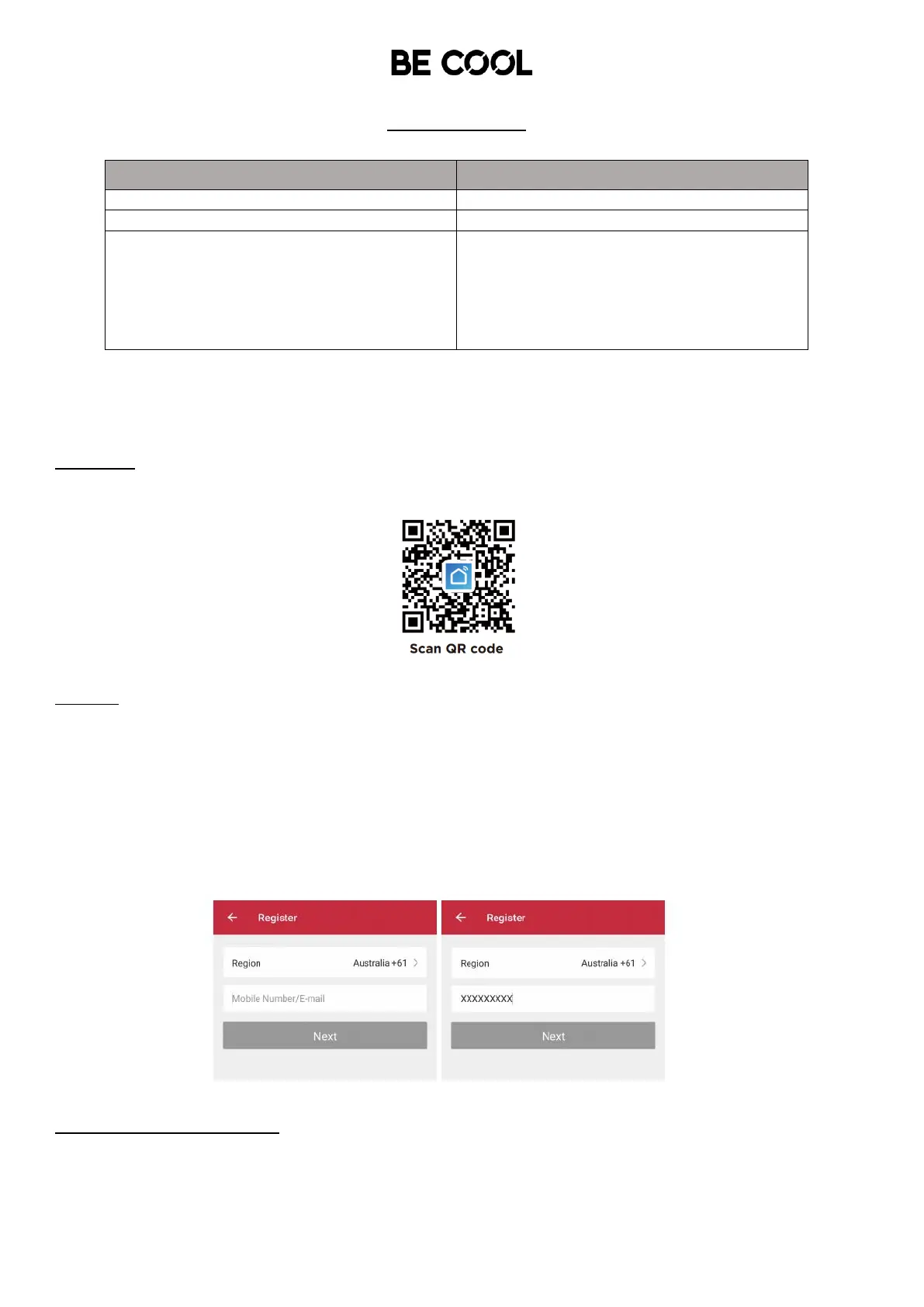
1. Tap to enter registration page
2. The system automatically recognises your country / area. You can also select your country code
manually. Enter your mobile phone number/ email address and tap “Next”.
3. If you choose the mobile phone number option, enter the verification code in the message sent to
you by SMS. Set a password as prompted and press ”Confirm" to finish your registration.
Add Device Through Network
1. Start your air conditioner by pressing the ON button. When the air conditioner is in standby mode,
press and hold the ”SPEED” button for 5 seconds to enter Wifi-connect mode.














 To Next Page