EasyManua.ls Logo

Be Cool BCP12KL2002F - User Manual

Be Cool BCP12KL2002F
40 pages
Go to English
Print Icon
To Next Page IconTo Next Page
Loading...
BEDIENUNGSANLEITUNG
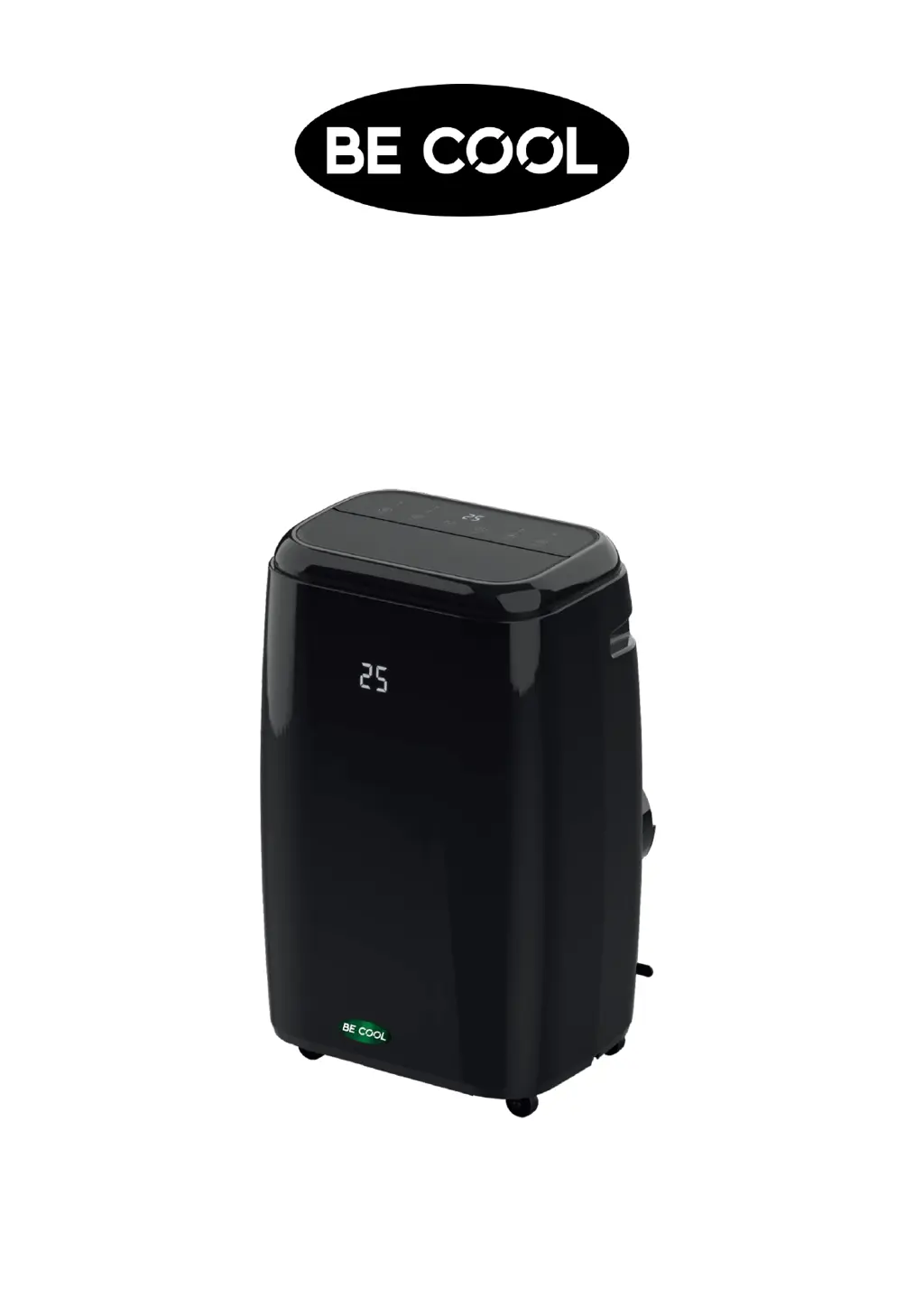
Mobiles Klimagerät
BCP12KL2002F
HERZLICHEN GLÜCKWUNSCH!
VIELEN DANK, DASS SIE SICH FÜR EIN PRODUKT VON BECOOL
ENTSCHIEDEN HABEN.

Questions and Answers

  • B
    Benjamin ParkerAug 14, 2025
    Why is my Be Cool BCP12KL2002F Air Conditioner working but not cooling?
    • K
      Krystal MarshallAug 14, 2025
      If your Be Cool Air Conditioner is running but the room isn't getting cooler, try these steps: First, close any open windows, doors, and curtains. Then, ensure that the temperature isn't set too high; try setting it lower. Also, check the air inlet guard to make sure it's not blocked or dirty, and clean the air filter if needed. Turn off any heat sources like ovens or hair dryers. Finally, ensure the air hose is properly attached to the back of the unit.
  • D
    David HartmanAug 18, 2025
    How to fix a Be Cool Air Conditioner that won't turn on?
    • M
      Melanie GrimesAug 18, 2025
      If your Be Cool Air Conditioner doesn't switch on, here are a few things to check: First, make sure there isn't a power outage. If there is power, ensure the device is properly connected to a power supply and wait for 30 minutes. Also, check if the water tank is full and empty it if necessary. Finally, make sure the room temperature isn't already lower than the temperature you've set on the unit and set a lower temperature.
  • M
    Michael CooleyAug 21, 2025
    Why is my Be Cool Air Conditioner so loud?
    • J
      Julie JacksonAug 21, 2025
      If your Be Cool Air Conditioner is excessively noisy, it might not be placed on level ground. Try setting it up in a different place.
  • M
    Mary EvansAug 25, 2025
    Why is the compressor not working on my Be Cool Air Conditioner?
    • D
      Dennis MaloneAug 25, 2025
      If the compressor on your Be Cool Air Conditioner isn't working, it might be because the automated protection function has been activated. Wait approximately 3 minutes and then restart the device.
  • B
    bentonroyAug 27, 2025
    Why is the remote control not working for my Be Cool BCP12KL2002F?
    • E
      ericbutlerAug 27, 2025
      If your Be Cool Air Conditioner remote control isn't working, first, try getting closer to the device. If that doesn't work, replace the batteries.
  • R
    riveradeanAug 31, 2025
    Why does my Be Cool BCP12KL2002F Air Conditioner smell bad?
    • M
      Michael FloresAug 31, 2025
      If your Be Cool Air Conditioner emits unpleasant odors during operation, the air filter may be contaminated. Clean the air filter according to the instructions.
  • C
    Cassandra LeSep 3, 2025
    What to do if Be Cool BCP12KL2002F Air Conditioner only works for a short time?
    • J
      Jessica SanchezSep 3, 2025
      If your Be Cool Air Conditioner only works for a short time, it may be due to limited airflow in the hose. Make sure the air hose is correctly attached and is as short and kink-free as possible. Also, check the air outlet for any obstructions and remove them.
  • M
    Michelle PayneSep 7, 2025
    What does E2 mean on my Be Cool BCP12KL2002F?
    • M
      Mia SimmonsSep 7, 2025
      If your Be Cool Air Conditioner displays code E2, it means the water tank is full. Please empty the watertank.
  • S
    Sonya StewartSep 10, 2025
    What does E0 mean on my Be Cool Air Conditioner?
    • D
      Donna GreenSep 10, 2025
      If your Be Cool Air Conditioner displays code E0, it indicates that the temperature sensor is malfunctioning. Check the temperature of the air hose and the associated controls.

Summary

Safety, Location, and Electrical Connection

General Safety Guidelines

General safety, user responsibilities, child safety, and environmental use.

Operational Safety and Environment

Safe operation, placement, handling, and usage environment of the device.

Storage, Warnings, and R290 Info

Device storage, important warnings, and refrigerant R290 handling precautions.

Technical Description and Compliance

Technical Description and Delivery Content

Overview of the device's technical specifications and included components.

Recycling and Disposal Guidelines

Guidelines for environmentally responsible disposal of the unit and packaging.

Declaration of Conformity

Statement of compliance with EU regulations and directives.

Startup and Installation

Preparing for Use

Key steps before starting the unit, including positioning and pre-operation checks.

Exhaust Hose Installation

Connecting the exhaust hose and adapter to the unit for proper ventilation.

Hose Installation and Usage Tips

Finalizing hose installation, general usage tips, and recommendations.

Control Panel and Remote Control

Control Panel Overview

Overview of the device's control panel, buttons, and LED indicators.

Remote Control Setup

Instructions for inserting or replacing batteries in the remote control.

Setting Functions

Switching the Device On

Steps to connect and turn on the air conditioning unit for the first time.

Cooling and Dehumidification Modes

Detailed explanation of cooling and dehumidification modes, including settings.

Fan Mode and Timer Function

How to use the fan-only mode and set programmed timer activation.

Advanced Modes: Swing and Sleep

Using timer deactivation, swing function, and sleep mode for enhanced comfort.

Tips for Correct Use

Optimal Usage Guidelines

Advice for maximizing efficiency and proper use of the air conditioning unit.

Maintenance and Cleaning

Cleaning the Air Filter

Step-by-step guide on how to remove, clean, and reinstall the air filter.

Emptying the Water Tank

Procedure for draining the condensed water tank when it is full.

Permanent Water Drain Installation

Guide to installing a permanent drain hose for continuous water removal.

Cleaning the Housing

Instructions for cleaning the exterior of the air conditioning unit.

Seasonal Tasks

Procedures for end-of-season storage and beginning-of-season checks.

Troubleshooting

Common Problems and Solutions

A guide to identifying and resolving common issues with the air conditioner.

Technical Information

Device Specifications

Detailed technical specifications of the BCP12KL2002F model.

Warranty Information

Warranty Terms and Conditions

Details on the warranty period, coverage, exclusions, and claim procedures.

Service and Repair Instructions

Important Safety Notice for Service

Critical warnings for service personnel regarding refrigerant handling and self-repair.

General Repair Procedures

General instructions for repairing appliances containing R290 refrigerant.

Refrigerant Handling and Safety

Detailed procedures for handling flammable refrigerants safely during repairs.

Decommissioning and Disposal

Steps for safely decommissioning and disposing of equipment containing refrigerants.

Competence of Service Personnel

Requirements for technicians handling flammable refrigerants and specific work procedures.

Be Cool BCP12KL2002F Specifications

General IconGeneral
BrandBe Cool
ModelBCP12KL2002F
CategoryAir Conditioner
LanguageEnglish

Related product manuals