Seite 27 von 40
With the and buttons you can set the desired temperature (16-31C°)
With the “SPEED”-Button you can set the desired blower level. You can choose
between:
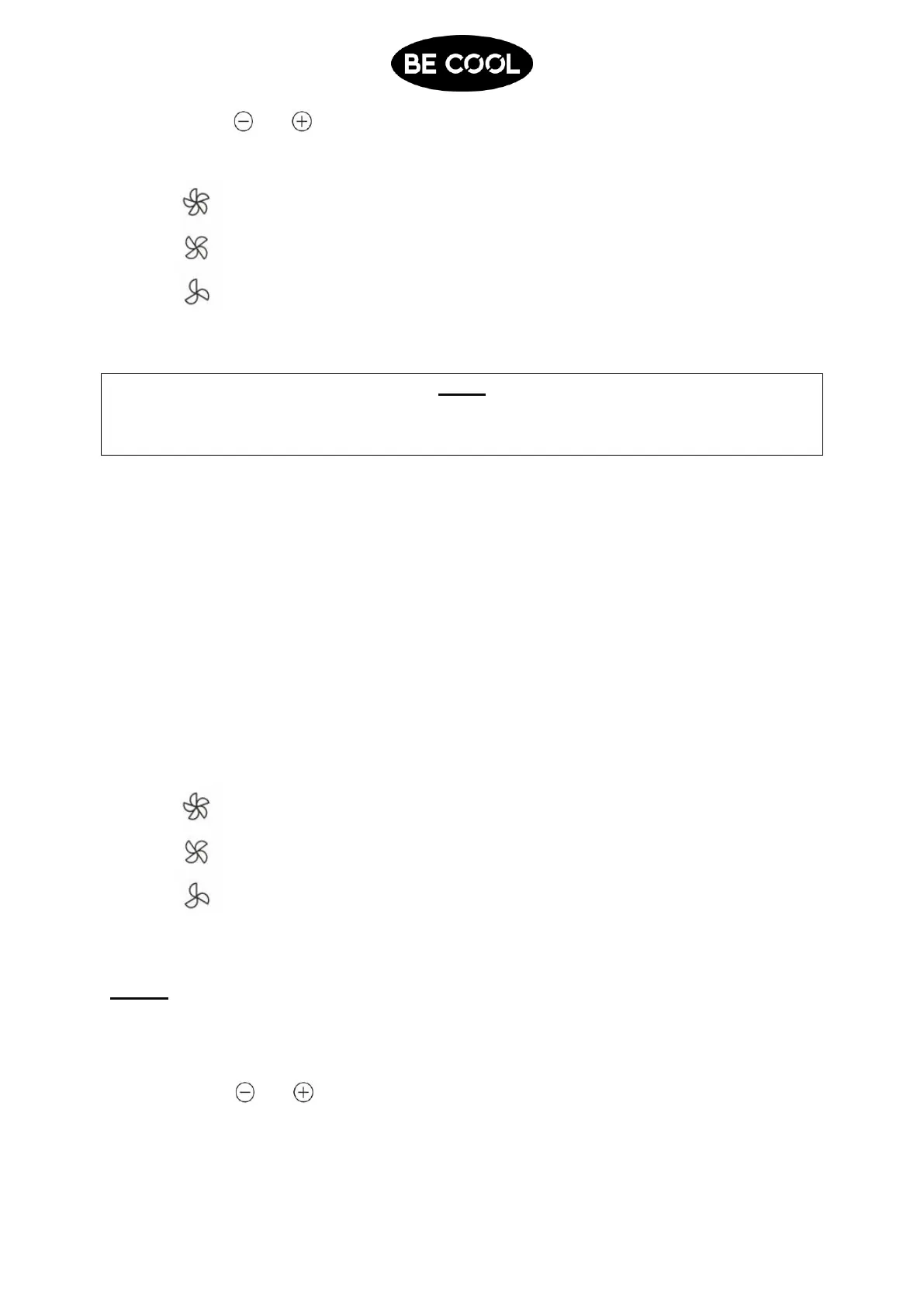
High blower level
Middle blower level
Low blower level
Once you set the desired fan level the respective indicator light lights up.
NOTE
In the summer we recommend setting a room temperature between 24 and 27 degrees
Celsius. Generally it is not recommended to set a temperature far below the outside
temperature.
Dehumidification mode
Perfectly suited to reducing the humidity in the room (e.g. in the spring and autumn, in humid
rooms, during rainy periods etc.).
Push the MODE-Button until the “DEHUM” indicator light lights up.
The device now starts to dehumidify the air and sets the temperature to the current
room temperature minus 2C° and to the lowest blower level.
Blower / fan mode
In this mode only the blower is running.
Push the MODE-Button, until the „FAN“ indicator light lights up.
With the “SPEED”-Button you can set the desired blower level. You can choose
between:
High blower level
Middle blower level
Low blower level
Once you set the desired fan level the respective indicator light lights up.
TIMER
Use this function to turn the device on and off at a certain time.
1. Programmed activation
When the device is switched off push the „TIMER“-Button.
With the and buttons you can set the desired time (0-24 hours). The indicator
light for “TIMER” is lighting up.
The device automatically switches on once this time has elapsed and starts to
operate in the last activated mode or the previous settings regarding operating mode,
temperature and blower level. (e.g. cool, 25°C and high blower level)















 To Next Page