Seite 26 von 40
NOTE
If the remote control has to be replaced or disposed of, you must take the batteries out and
dispose of them in accordance with the applicable regulations! Also remove the batteries in
case you won't use the remote control for a longer period of time to avoid corrosion damage.
If you have to replace batteries always replace them with the same type and charge status.
2. Description of the control panel and the remote control
SETTING FUNCTIONS
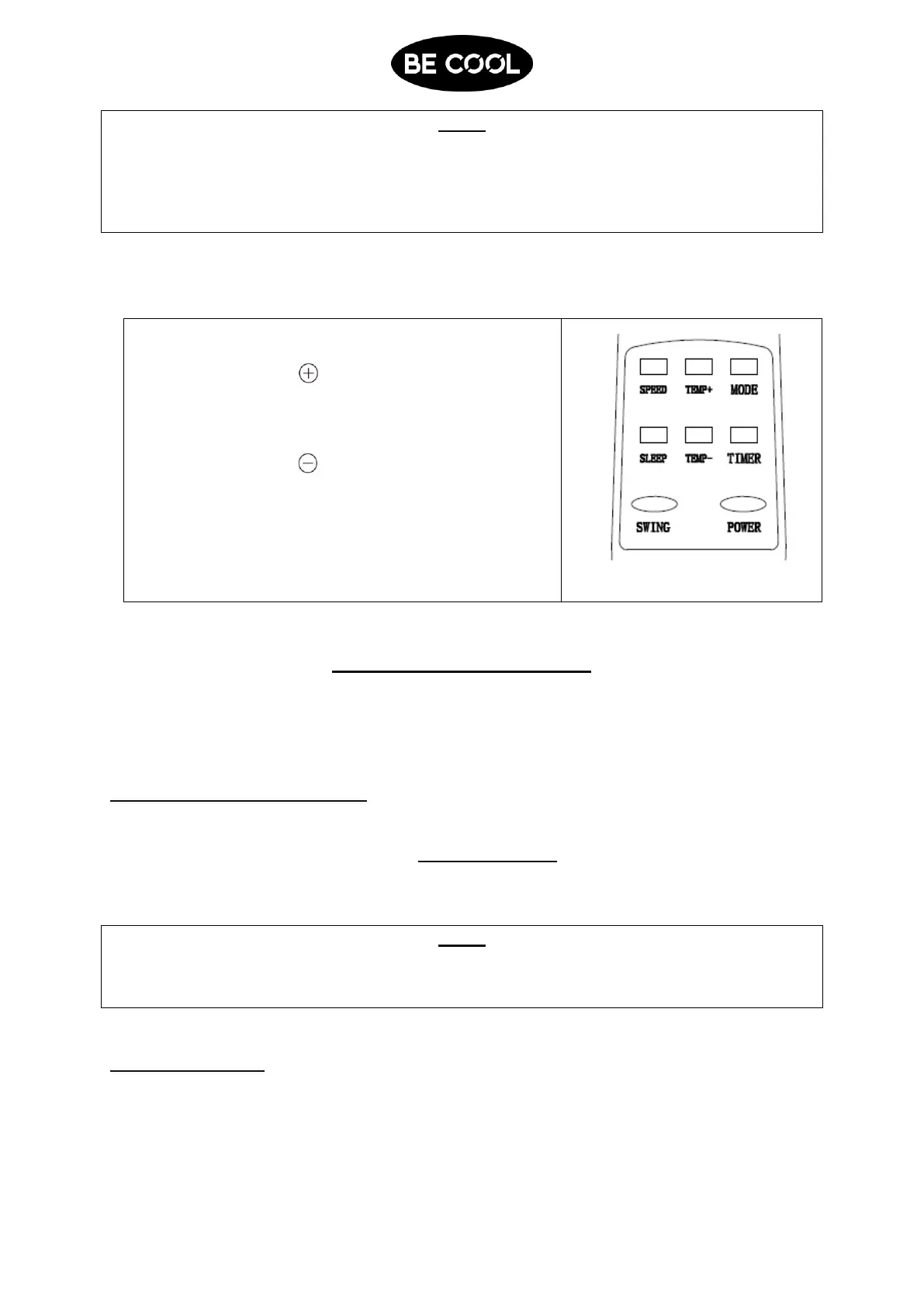
You can set all functions directly on the device or using the remote control.
Depending on the set function both the indicators on the operating panel display light
up.
SWITCHING THE DEVICE ON
1. Connect the device to a grounded outlet.
2. When you switch the device on for the first time a start signal is emitted and the
device immediately switches to its standby mode.
3. Press the POWER button to switch the device on. The POWER indicator lights up.
NOTE
Never switch the air conditioning unit off by pulling the plug. Always use the on/off button to
switch the device off and wait a few minutes before disconnecting it from mains. This allows
the device to perform a cycle of functional checks.
SETTING MODES
Cooling mode
Ideal for cooling the room in hot and humid weather.
Push the MODE-Button until „COOL“ indicator light lights up.















 To Next Page