26
Active App
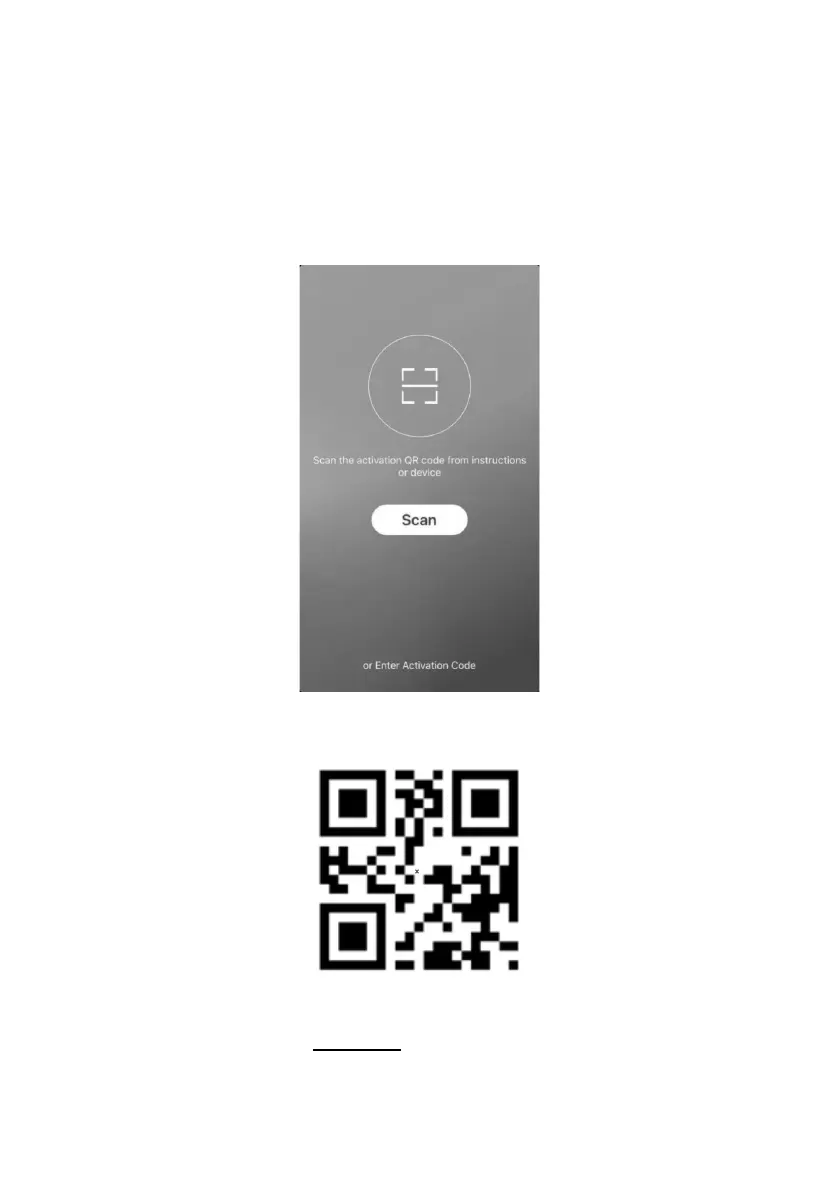
4. When you first time enter the APP, it will display activation interface, you
can select activation QR code(click “Scan” button and scan the activation QR
code in below page) or input “Activation code” words (in below page), click
“Activate” button to active it..
5. Activation QR code
3. Activation code words: BE COOL .














 To Next Page