31
Add device
There are 2 methods to add the device.
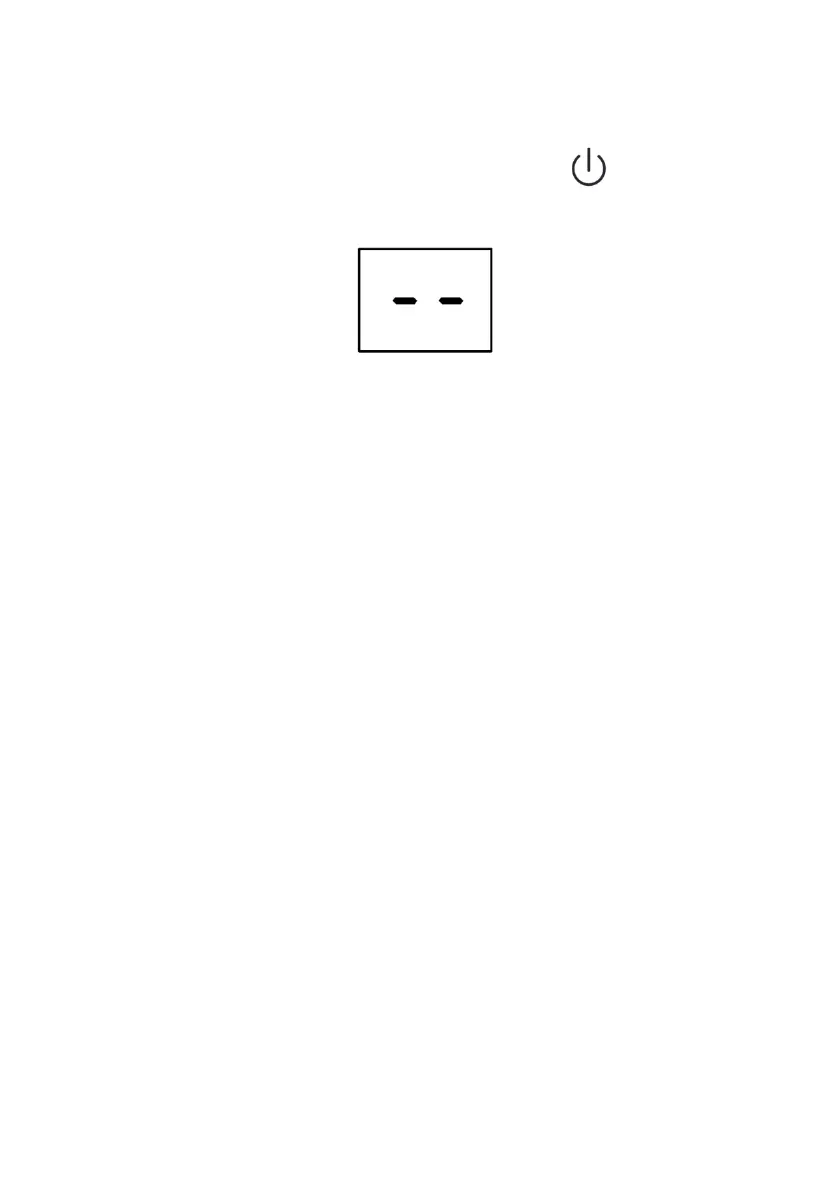
Please power on the appliance, but do not press the “ ” button to turn
on it.And the screen show:
1- Switch on Wi-Fi function
1.1 Hold the “ FAN ” and “ - ” button about 5 seconds to switch on the
Wi-Fi function.
1.2 The display screen will show the “ CF ”,and follow the CF mode to
connect.
Note: For the BC9KL2201SSA+ \ BC9KL2202SSA+ \ BC12KL2201FWA+ \
BC14KL2201FW \ BC16KL2201FW model, no need switch on Wi-Fi function,
after plug into the mains socket, the display screen show “ CF ”, so can skip
the step 1.1,connect Wi-Fi follow the guide below.
2-CF mode
2.1 Reset Wi-Fi
There are three methods to reset the WIFI module
A: Press the “FAN” button on the control panel 6 times within 4 seconds;
B: Hold the “ON/OFF” button on the control panel about 5 seconds;
C: Hold the “Mode” button on the control panel about 3 seconds.
Please wait about 10 seconds, until the LED screen show “CF”, and connect
it again.
Note: Applicable to BC9KL2201SSA+ \ BC9KL2202SSA+ \
BC12KL2201FWA+ \ BC14KL2201FW \ BC16KL2201FW models without B
and C options.














 To Next Page