automatically download updates
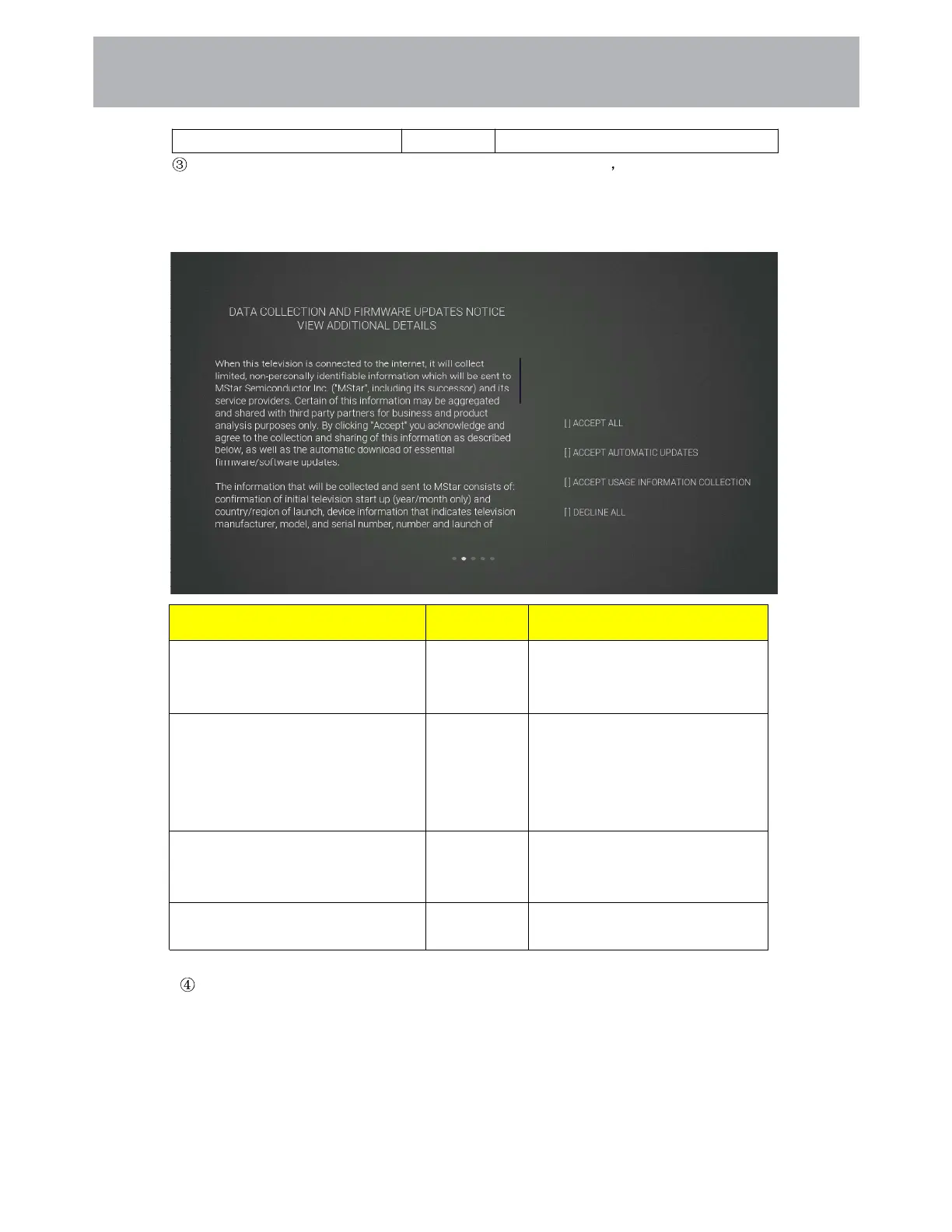
If you press [OK] key in the [VIEW ADDITIONAL DETAILS] box it will go to the data
collection and firmware updates notice view additional details page. Default focus text section,
[Up and Down] key pulls down the text to the bottom and press the [Down] key to switch to the []
DECLIN ALL box, press [OK] key to confirm the selection and go to the next setting page.
The default country channel tuning settings page
Press the [Up and Down] button on the remote control to select the menu option, [OK] button to
confirm the selection and go to the next setting page.
Items Method Directions
[ACCEPT ALL]
[OK] button Accept all agreements and agree to
the firmware/software network to
automatically download updates.
[ACCEPT AUTOMATIC UPDATES]
[OK] button Accept all protocol parts and
manually select whether to agree to
the firmware/software network
download update if there is a
firmware/software update
[ACCEPT USAGE INFORMATION
COLLECTION]
[OK] button Accept the agreement and agree to
collect some non-personal user
information.
[DECLINE ALL] [OK] button Reject all protocols and disable
firmware/software network updates.
Customizing TV Settings
4 1



 To Next Page