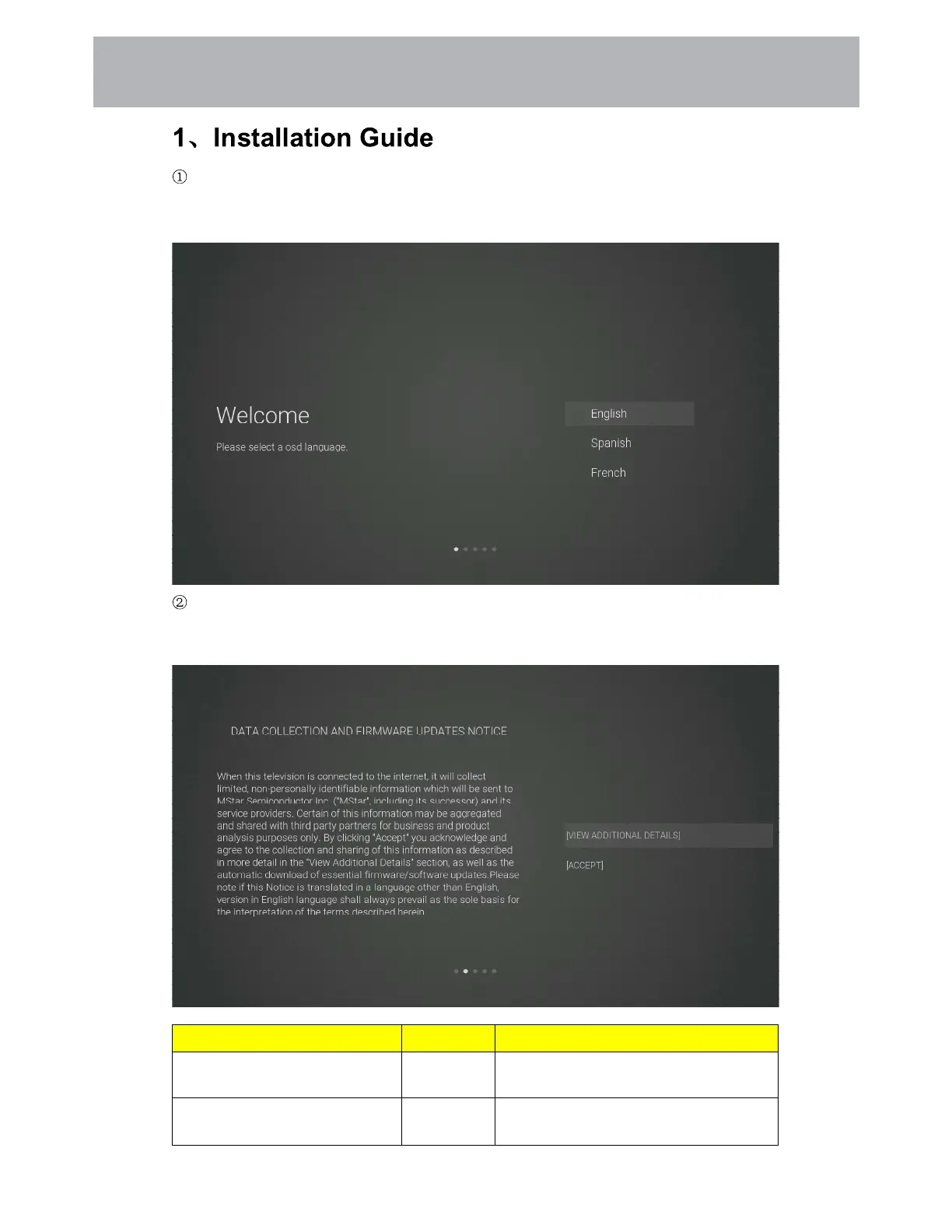
Show the Installation Guide page after booting up for the first time
Press the [Up and Down] button to switch the OSD Language and press [OK] button to enter the
next setting page.
Data collection and firmware updates notice page
Press the [Up and Down] button on the remote control to switch the options, and the [OK] button
to confirm the selection. It is recommended to select [ACCEPT].
Items Method Directions
[VIEW ADDITIONAL DETAILS]
[OK] button See more detailed firmware/software
network download update instructions.
[ACCEPT]
[OK] button Accept all agreements and agree to the
firmware/software network to
Customizing TV Settings
3 1



 To Next Page