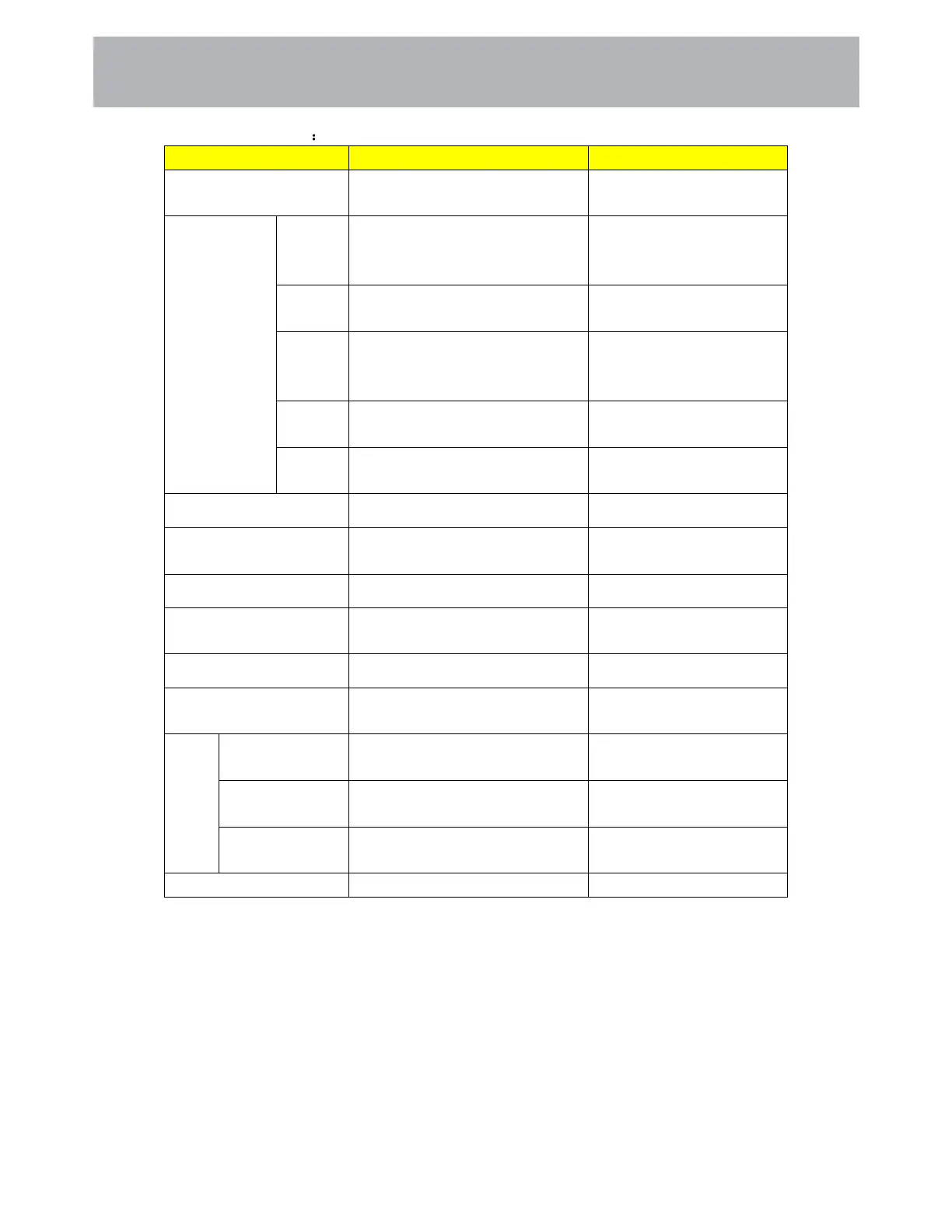
Function Description
Items Adjustable mode Directions
Sound Mode
Standard ->Music -> Movie ->
Sport -> User
Sound Mode adjustment
Equalizer
(on show only
when the
Sound Mode is
user mode)
120Hz
0-100
120Hz frequency range
sound amplitude gain
adjustment.
500Hz 0-100
500Hz requency range sound
amplitude gain adjustment.
1.5KHz
0-100
1.5KHz requency range
sound amplitude gain
adjustment.
5KHz 0-100
5KHz requency range sound
amplitude gain adjustment.
10KHz 0-100
10KHz requency range sound
amplitude gain adjustment.
Balance (-)50—50 Volume balance adjustment
Auto Volume Limit Off->On
Auto Volume Limit
adjustment
Surround Sound On/Off Surround Sound adjustment
Video Description
Off->On(on show only for DTV
channel)
Video Description adjustment
VD VOLUME 0-100 VD volume adjustment
Digital output type
Auto->Dolby DD->Dolby DD+
->PCM
SPDIF port output mode
adjustment
Audio
Delay
SPDIF Delay 0-250
SPDIF volume delay time
adjustment
Speaker Delay 0-250
Speaker volume delay time
adjustment
HDMI ARC
Delay
0-250
ARC volume delay time
adjustment
Audio Languages English->French->Spanish Audio Languages adjustment
22
Customizing TV Settings



 To Next Page